CFOLD
HomeFeaturesPricingHelp
Sign inStart free
HomeFeaturesPricingHelp
Start freeSign in

Less Spreadsheets. More Ministry.

One simple place to manage your church, your teams, and your people without letting administration become the ministry.
Start free →See how it works
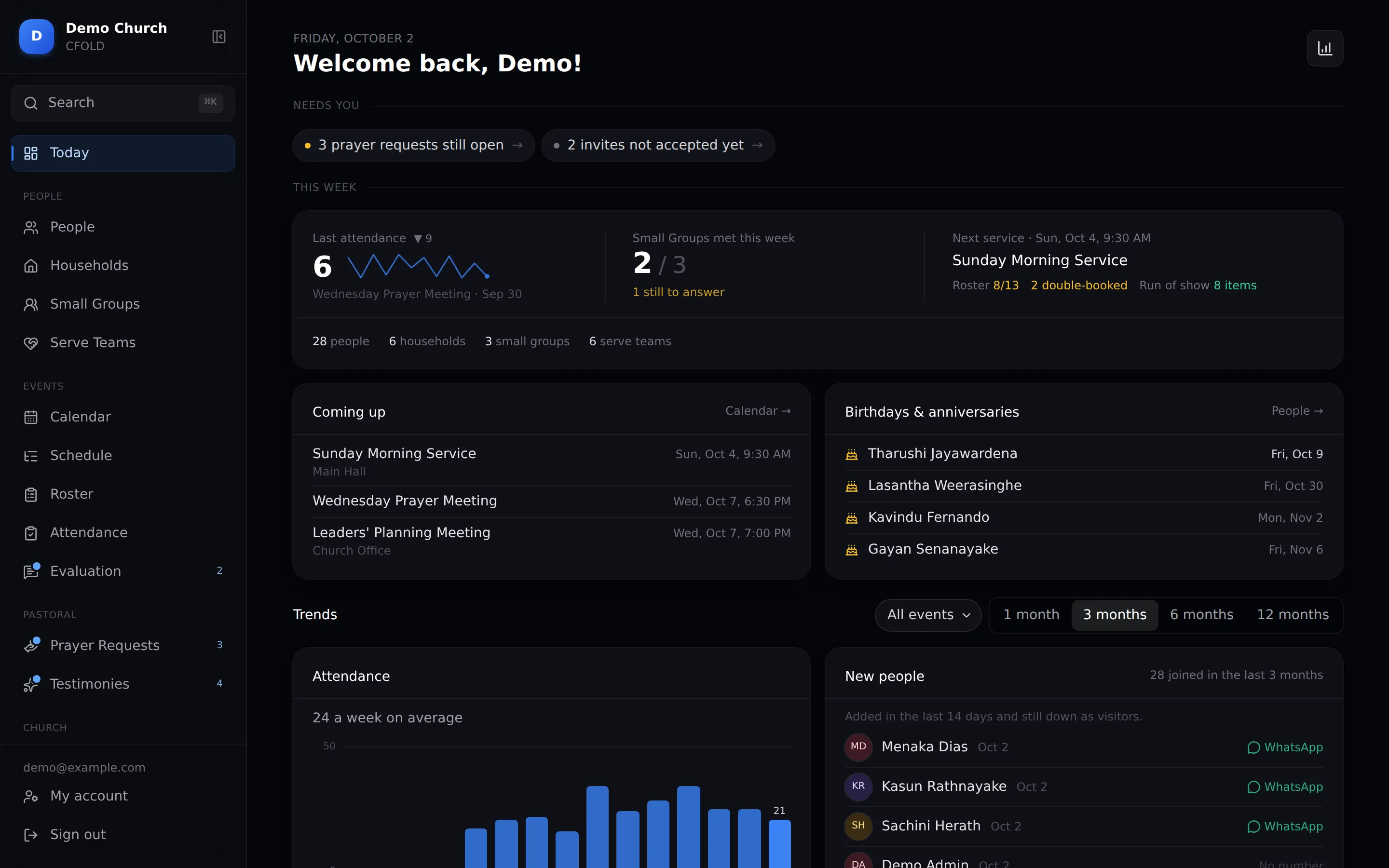
Today, for admins
9:41
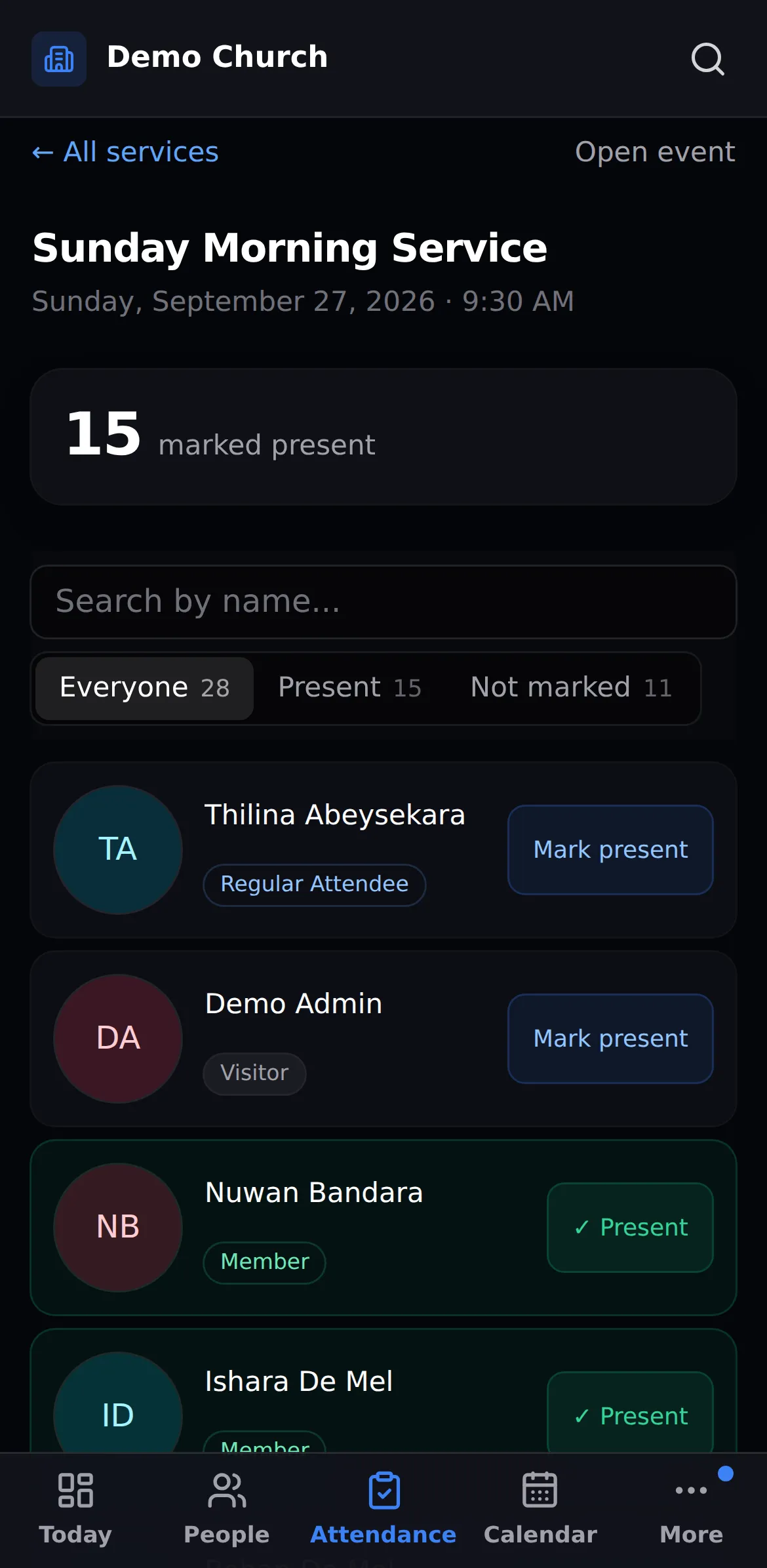
Register · Not marked
Any phoneTake the register at the door
One priceHowever many people you have
An afternoonImport your list and you're live
PrivateLeaders see only their own people

Sunday shouldn't depend on one person's memory.

Spreadsheets, WhatsApp groups and a notebook get you so far. Then someone is away.

Who's on sound this week?

The roster lives in a group chat, and the answer is somewhere above forty messages.

→ One roster, reminders sent for you

When did we last see the Pereras?

Nobody notices a family drifting until it has been three months.

→ A list of who hasn't been seen

Where did that prayer request go?

It was written on a card, handed to someone, and never heard of again.

→ Every request assigned and tracked

From Tuesday's plan to Monday's review.

Every Sunday follows the same rhythm. CFOLD follows it with you, so nothing lives in one person's head.

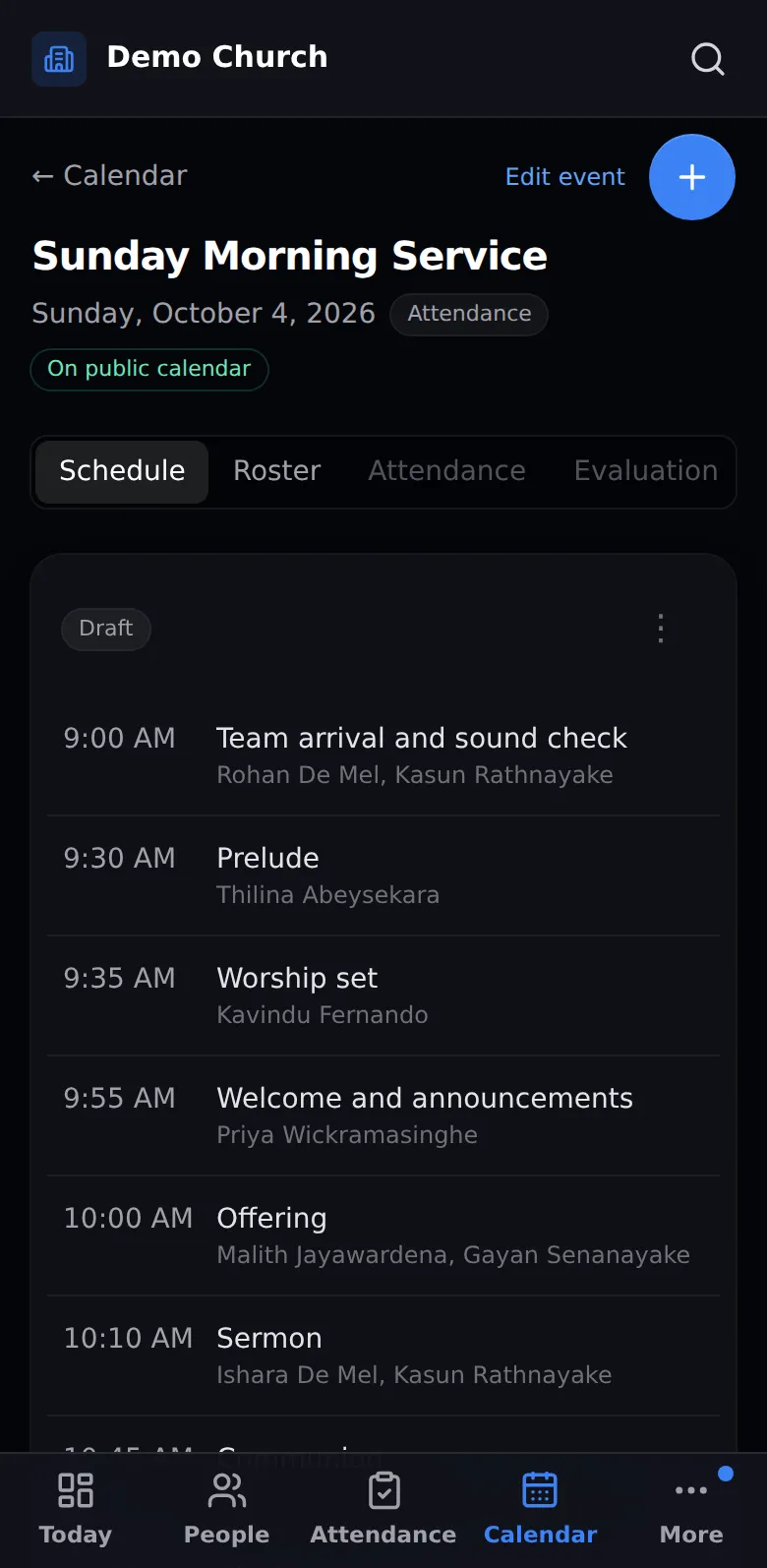
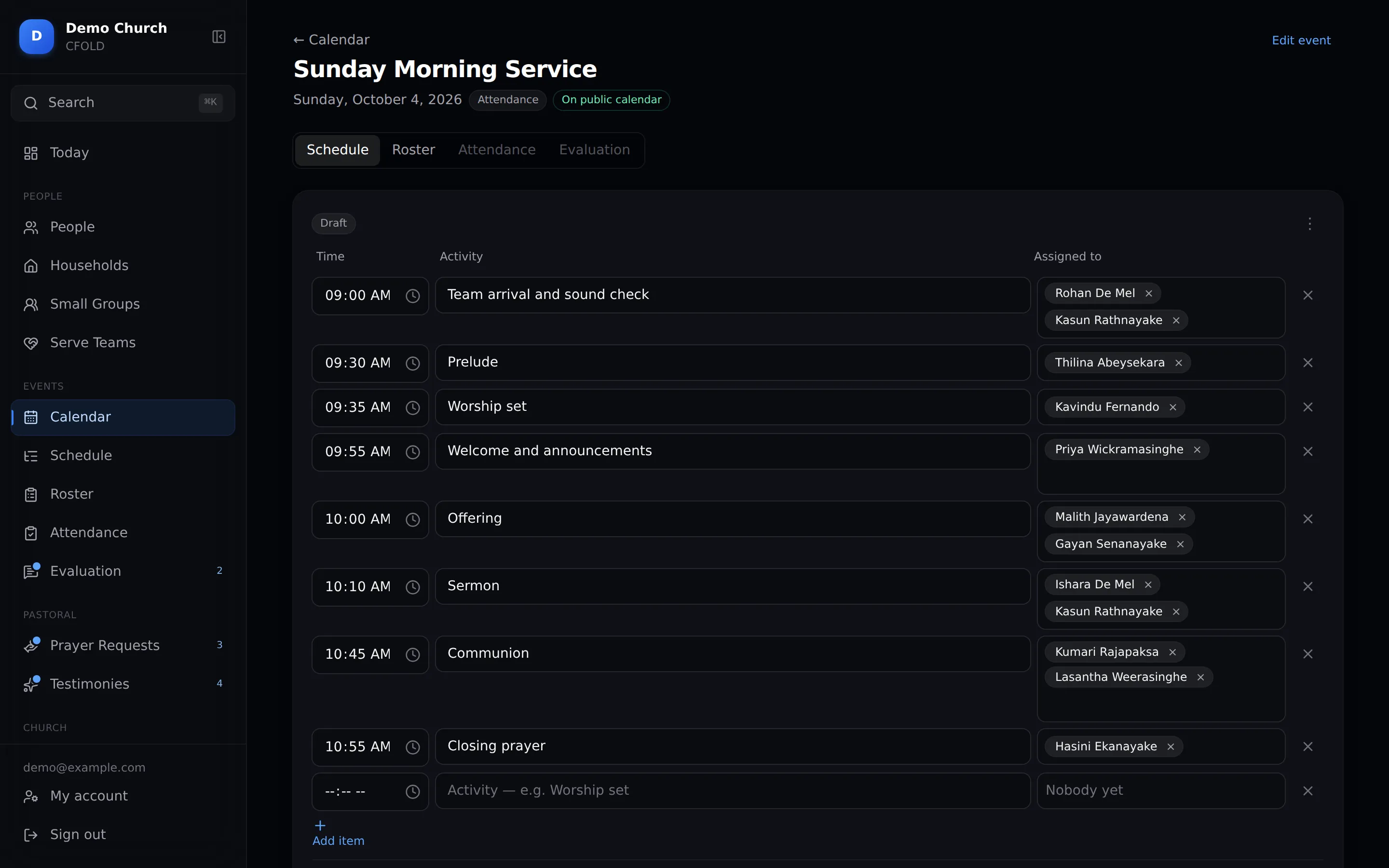
Order of service
Tuesday

Plan the service

Write the order of service once, with times and who's leading each part. Start from last week's in one click.
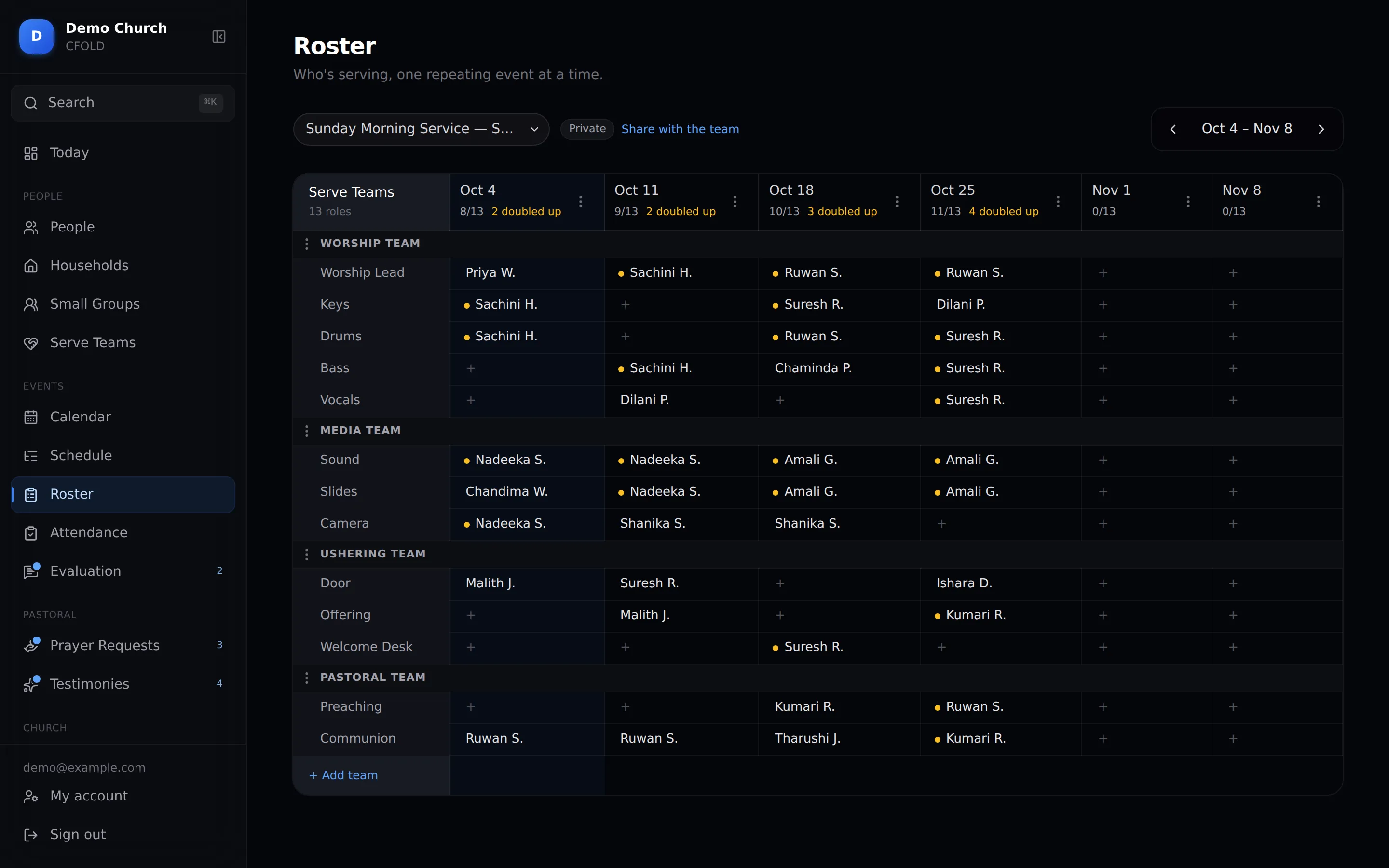
Roster grid
Wednesday

Fill the roster

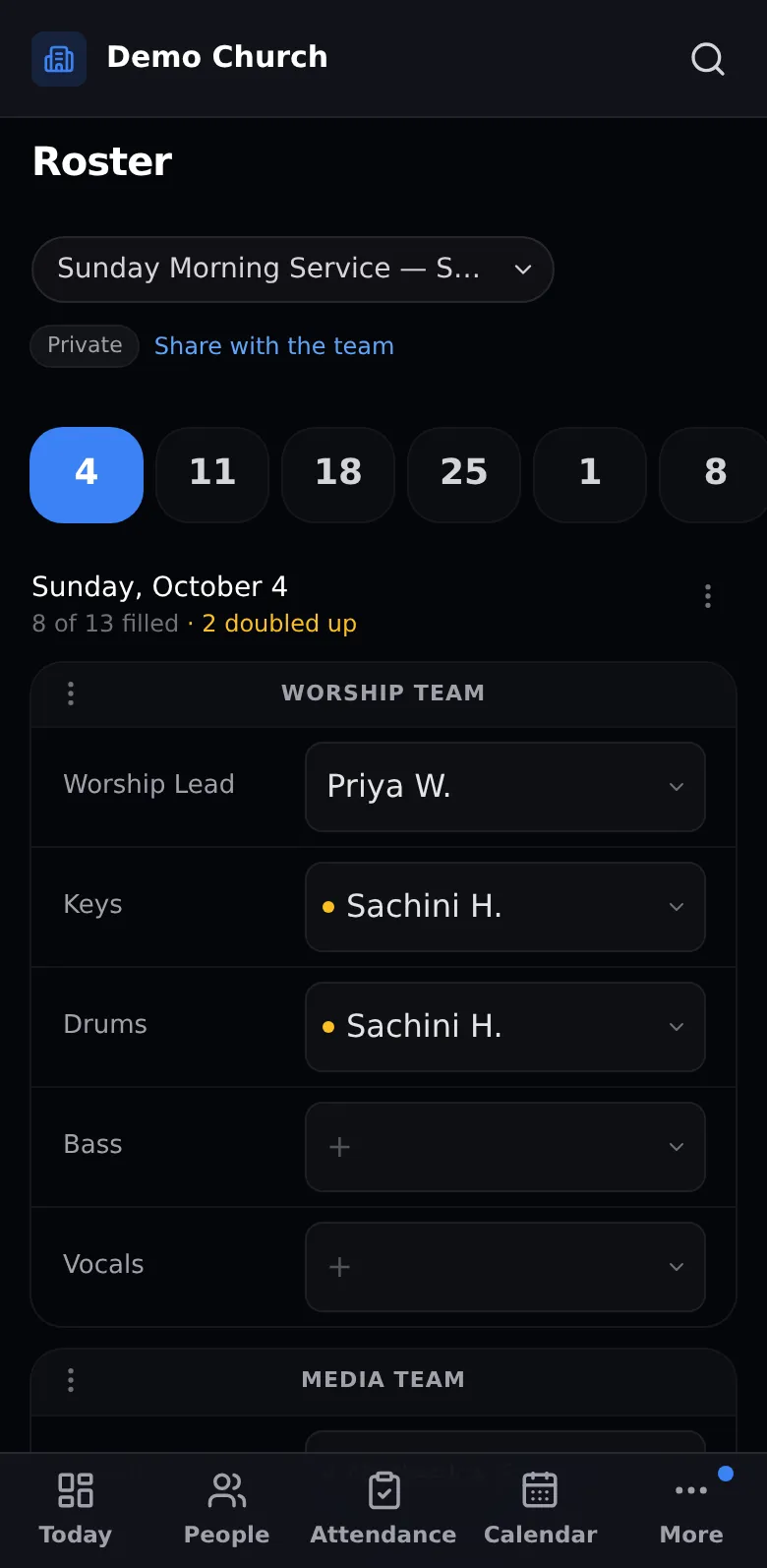
Every team, every date, on one grid. If someone is booked twice, CFOLD flags it before Sunday does.
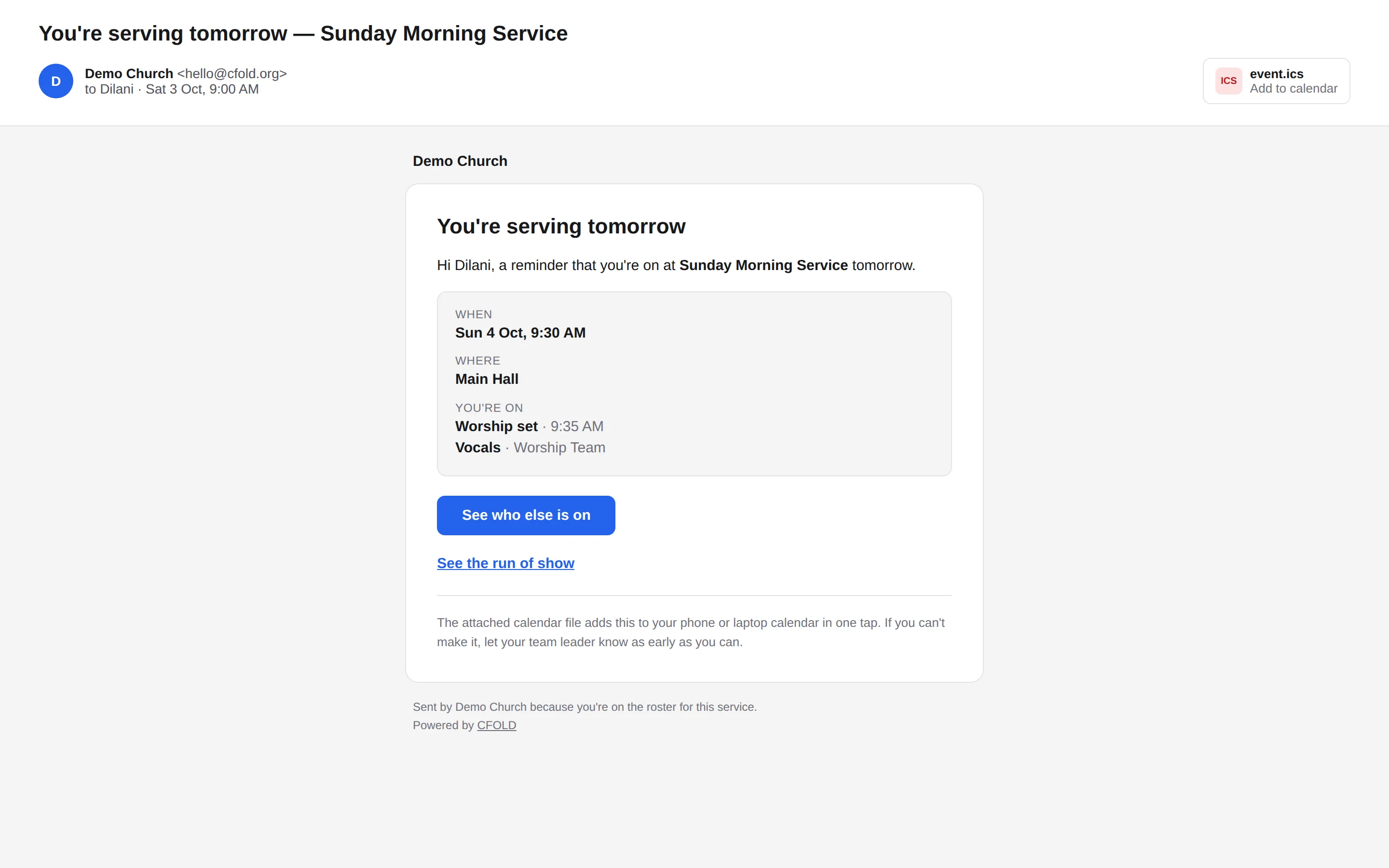
Day-before reminder email
Saturday · 9 AM

Everyone gets reminded

Each volunteer gets an email the day before with their jobs, and one tap adds it to their calendar.
Attendance register
Sunday

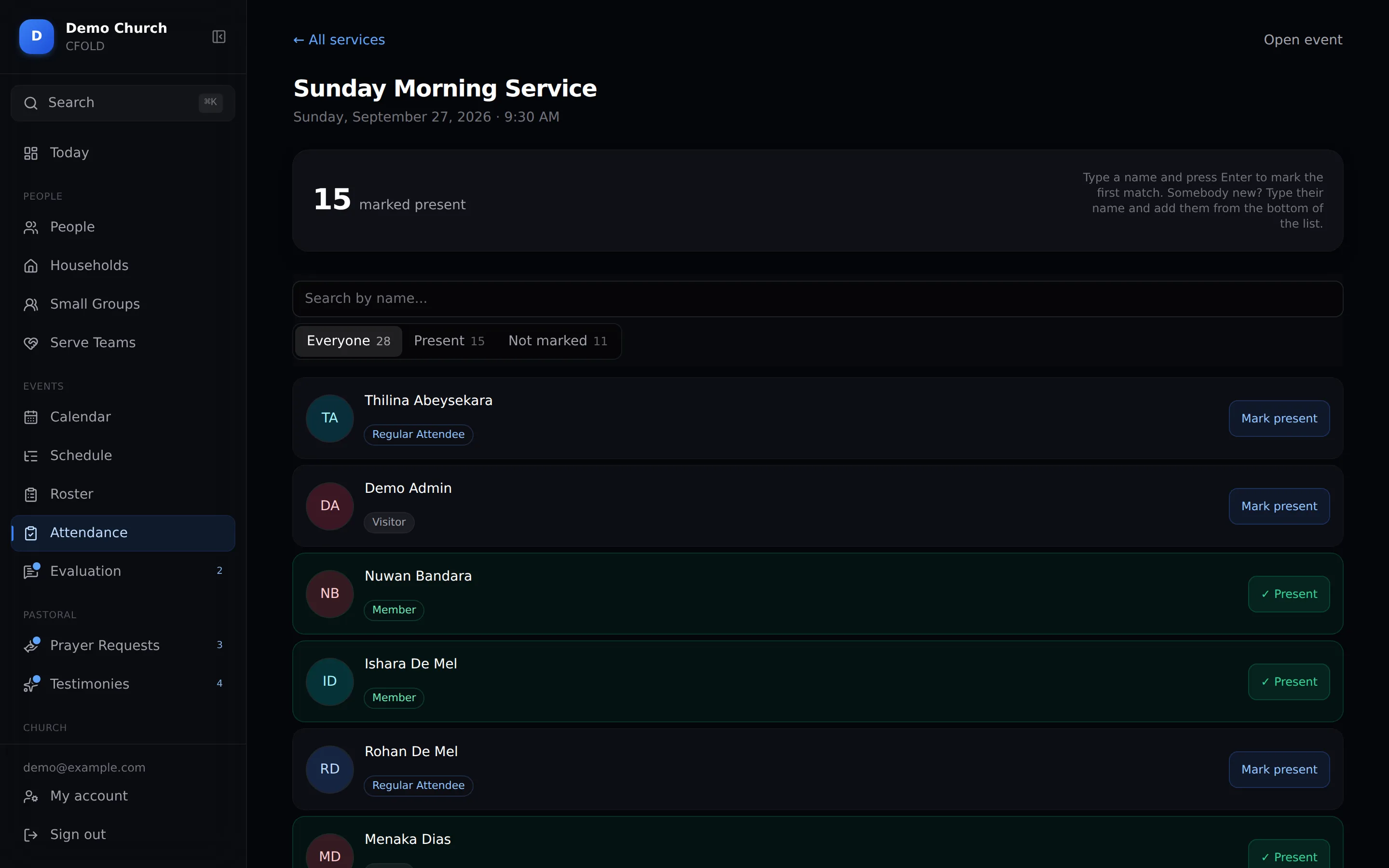
Take the register

Greeters tick names at the door, on a phone or a laptop. A newcomer is added in one step.
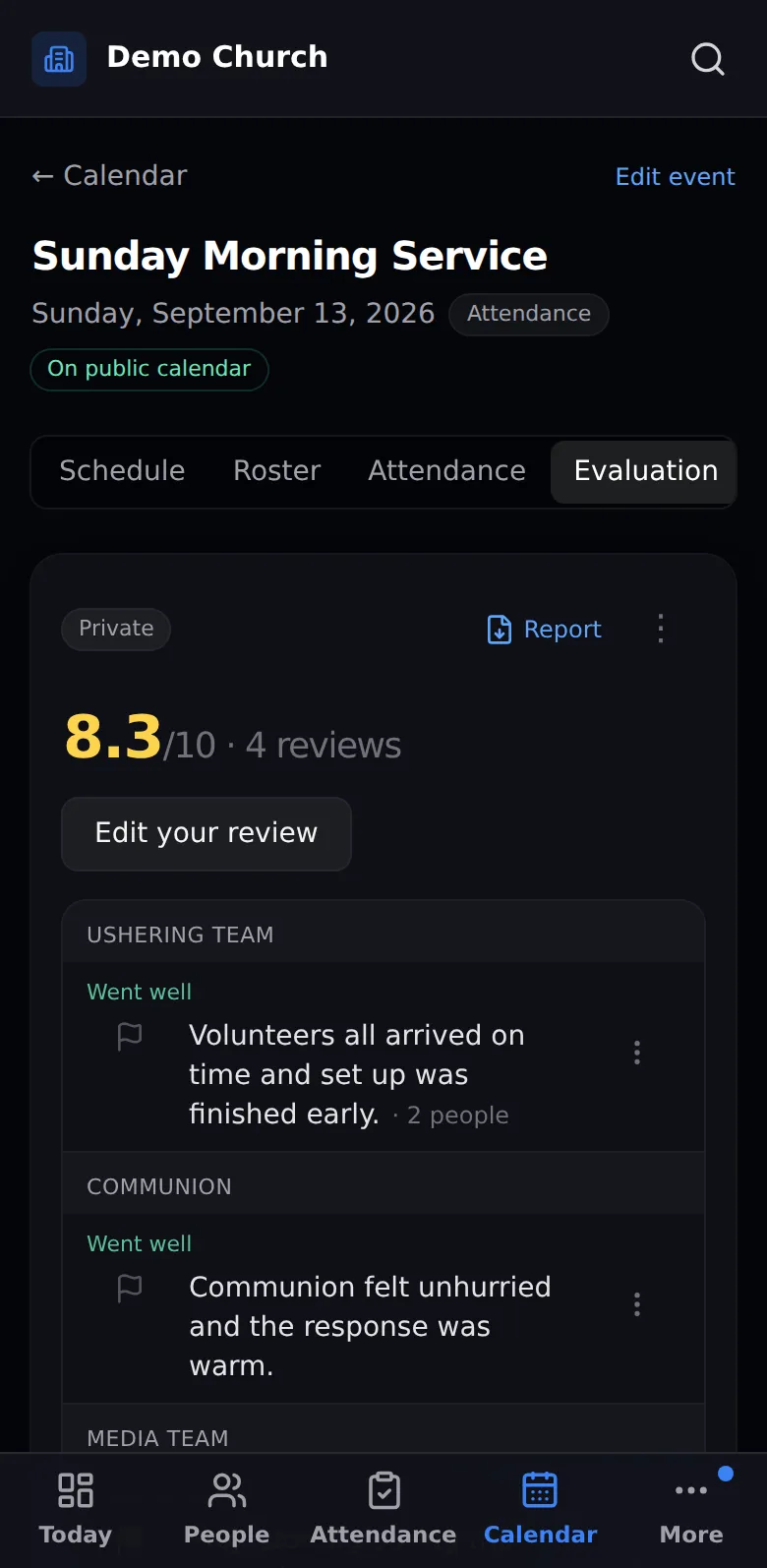
Evaluation summary
Monday

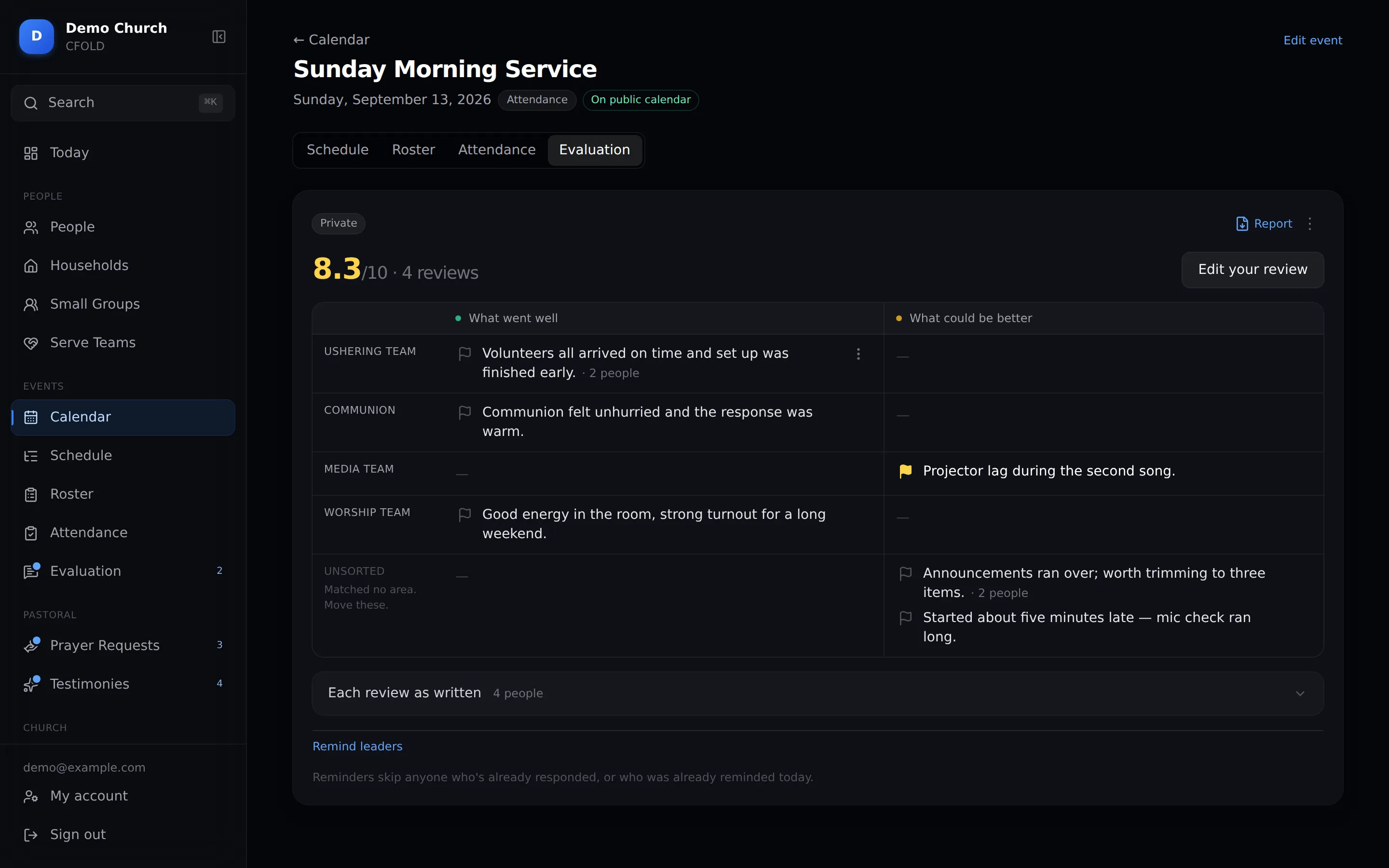
Review what worked

Leaders note what went well and what to fix. CFOLD sorts the points under the teams they mention, and the ones you flag are waiting when you plan the next service.

Write the order of service once, with times and who's leading each part. Start from last week's in one click.

Order of service
Roster grid
Day-before reminder email
Attendance register
Evaluation summary

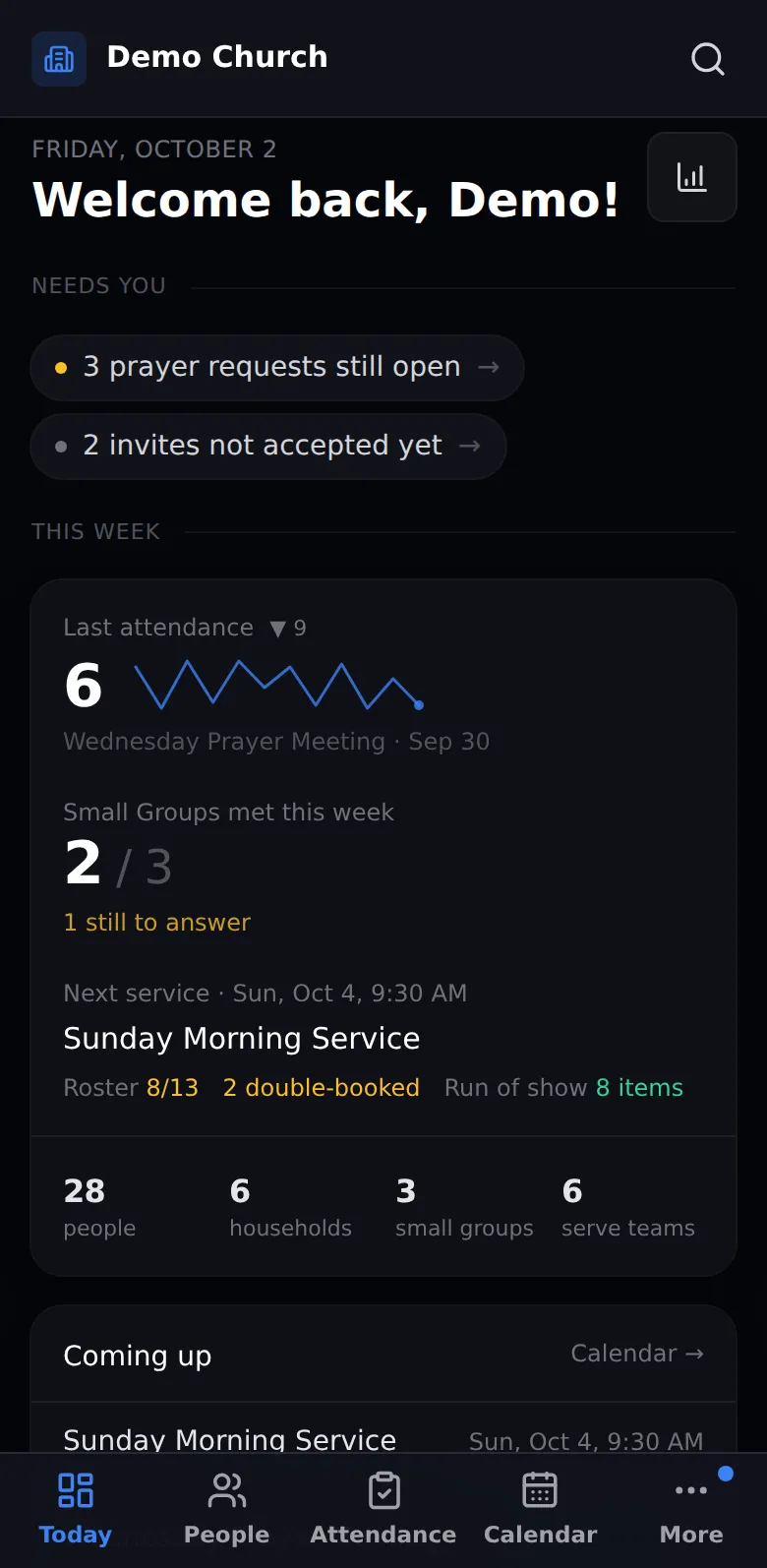
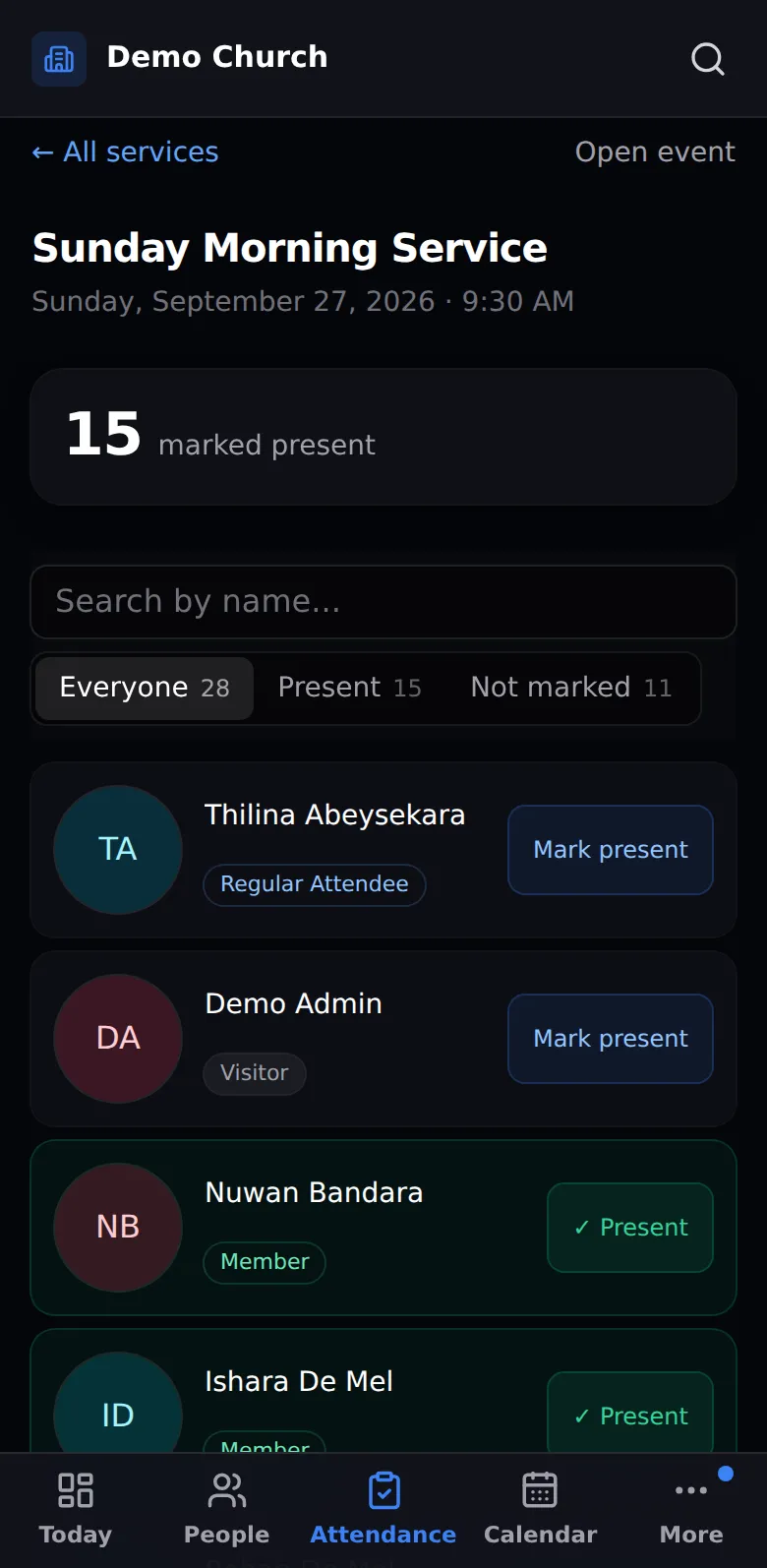
All of it works on a phone.

Not a cut-down app. The same register, roster, people and reports, sized for one hand. Importing a spreadsheet is the one job we leave to a laptop.
9:41
Today on a phone
Today
9:41
Register on a phone
Register
9:41
Roster on a phone
Roster
9:41
People on a phone
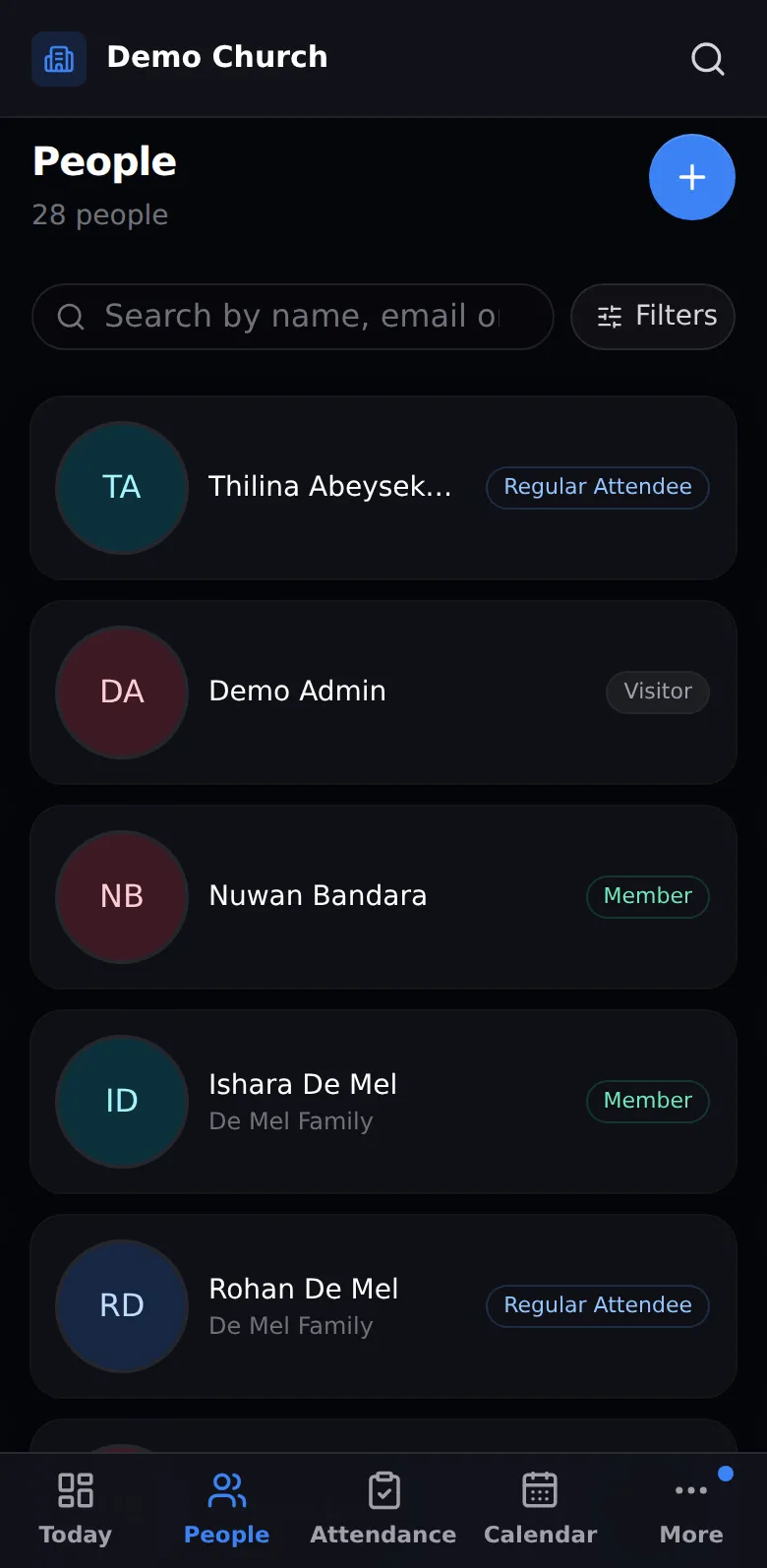
People
9:41
Profile on a phone
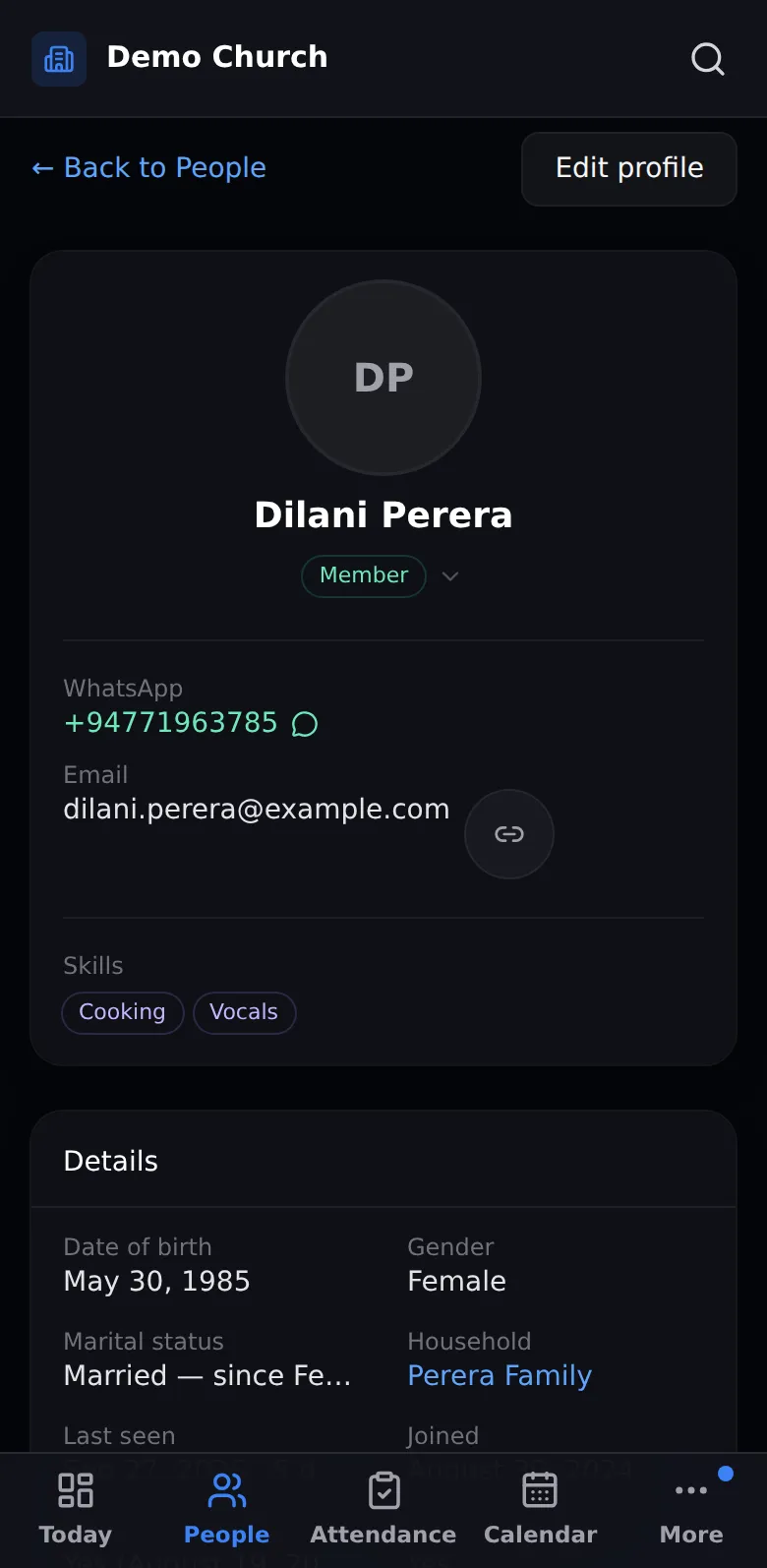
Profile
9:41
Calendar on a phone
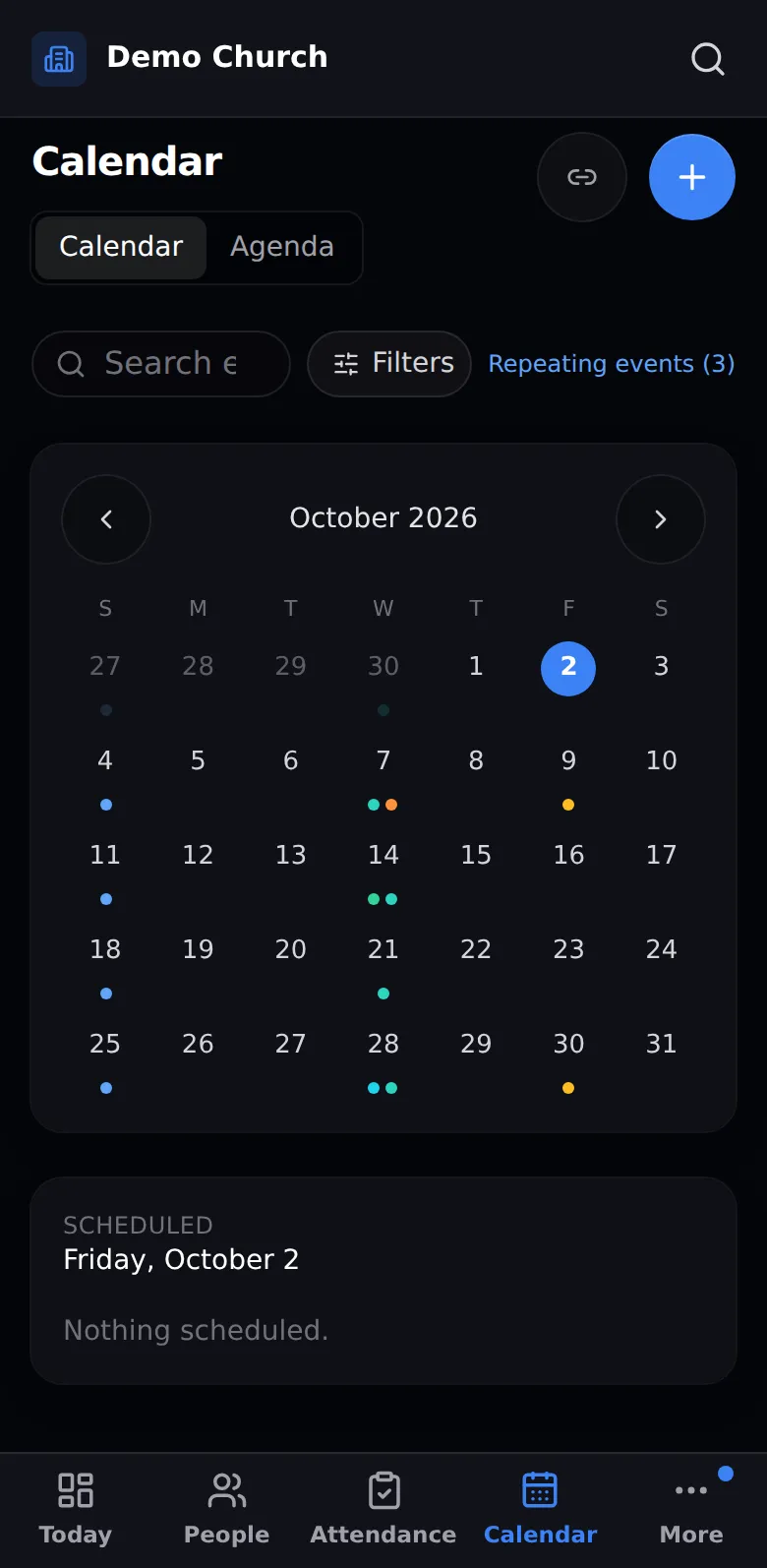
Calendar
9:41
Order of service on a phone
Order of service
9:41
Evaluation on a phone
Evaluation
9:41
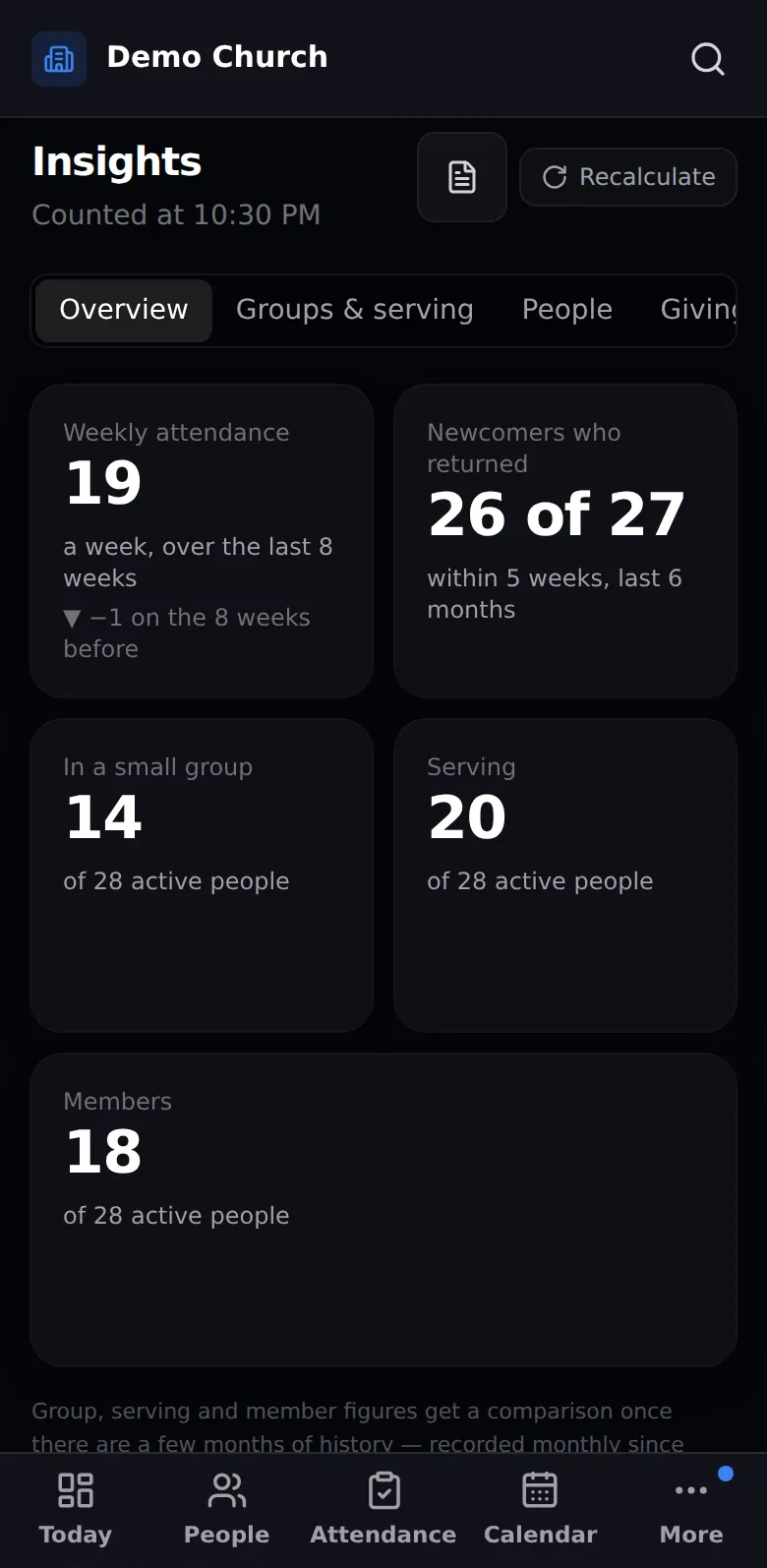
Insights on a phone
Insights
9:41
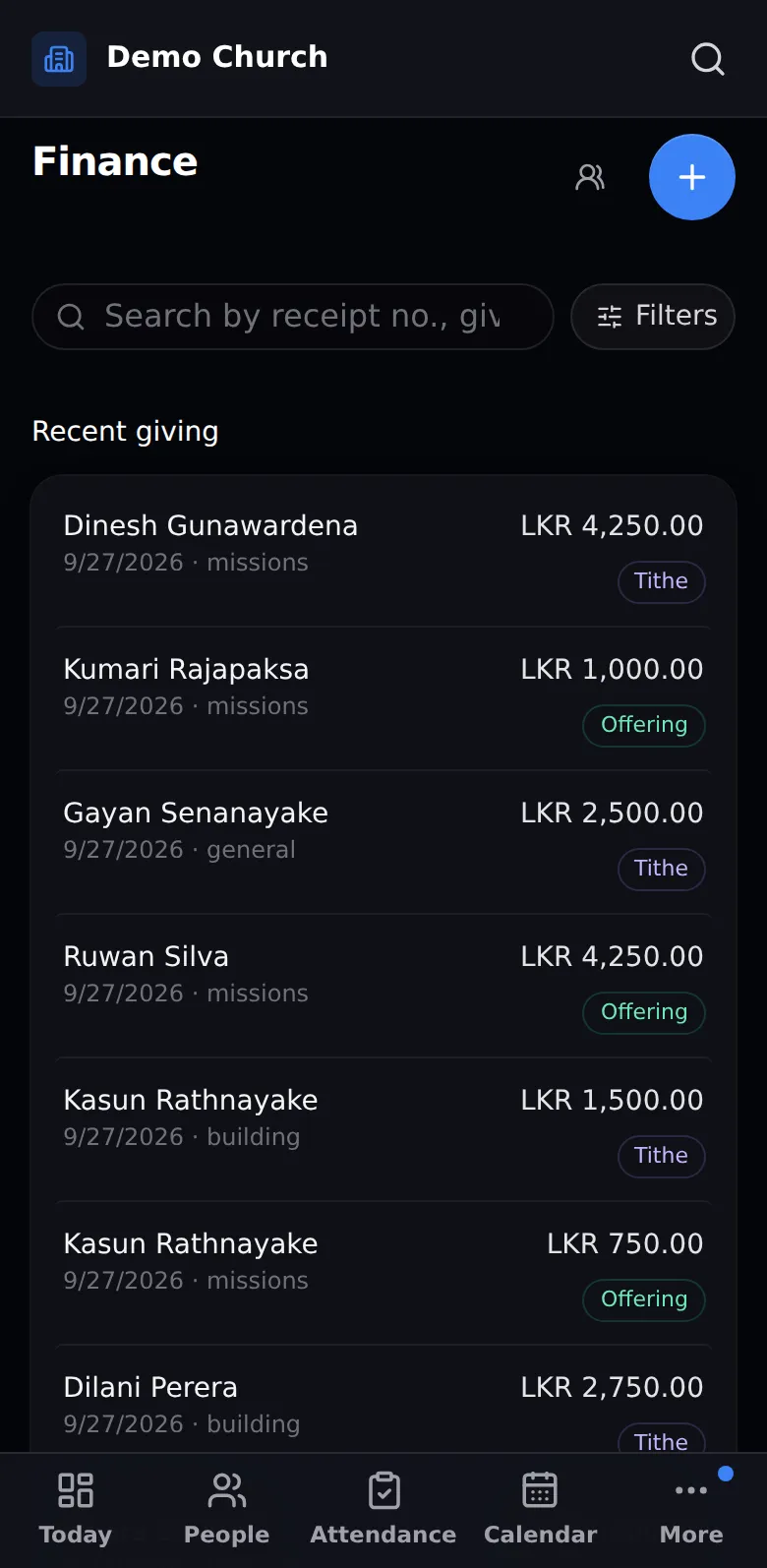
Finance on a phone
Finance
9:41
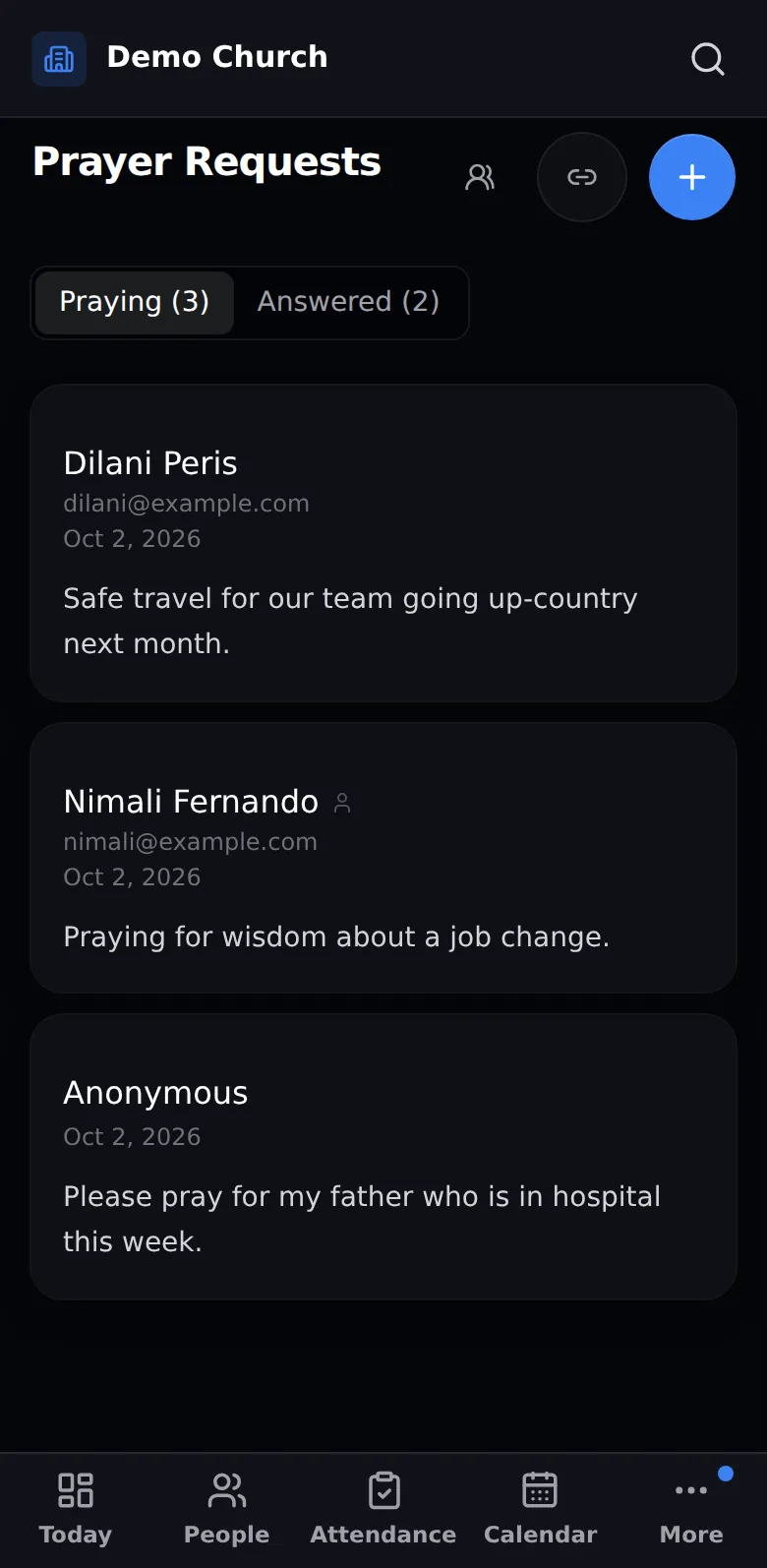
Prayer requests on a phone
Prayer requests
9:41
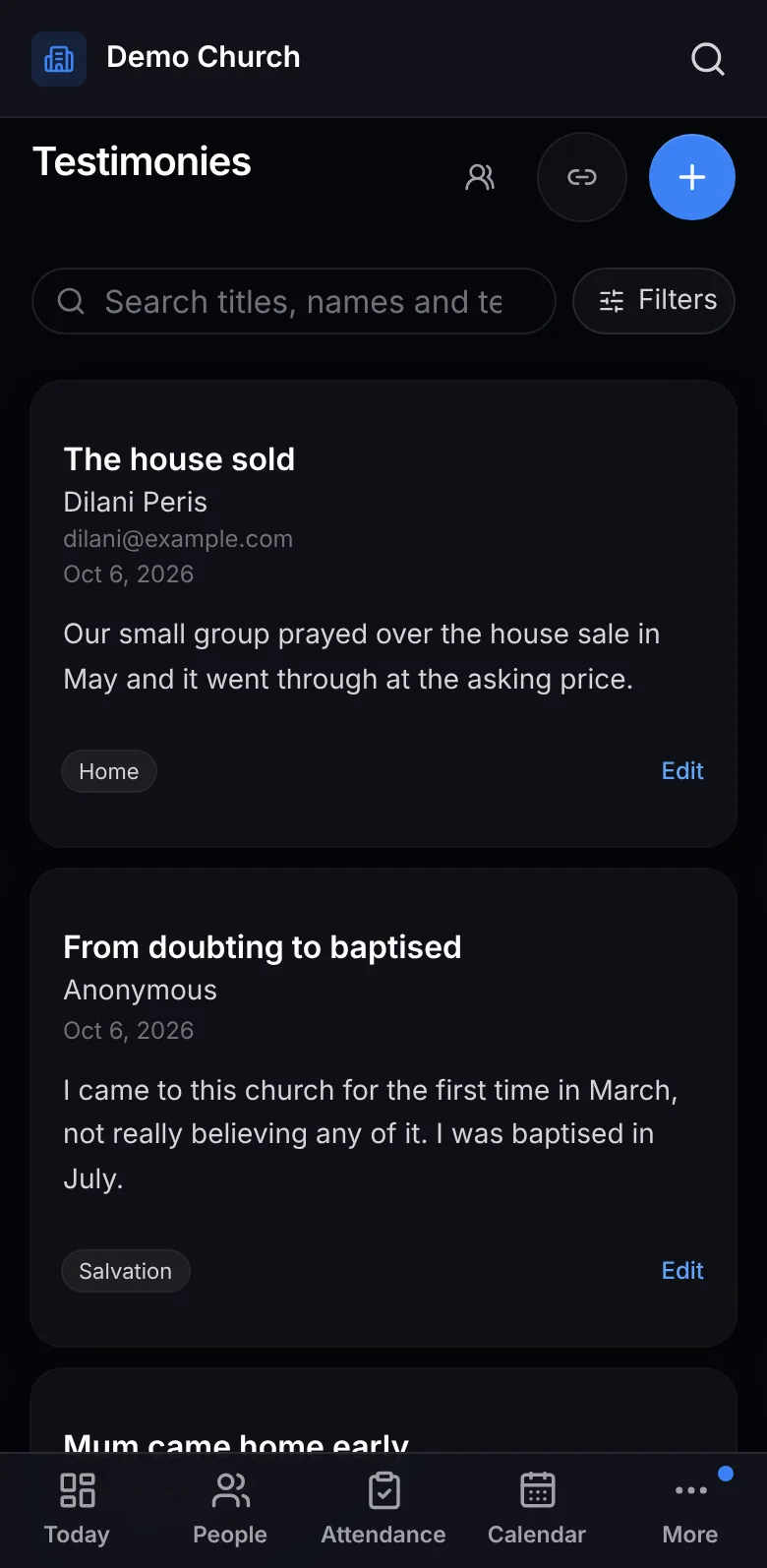
Testimonies on a phone
Testimonies
9:41
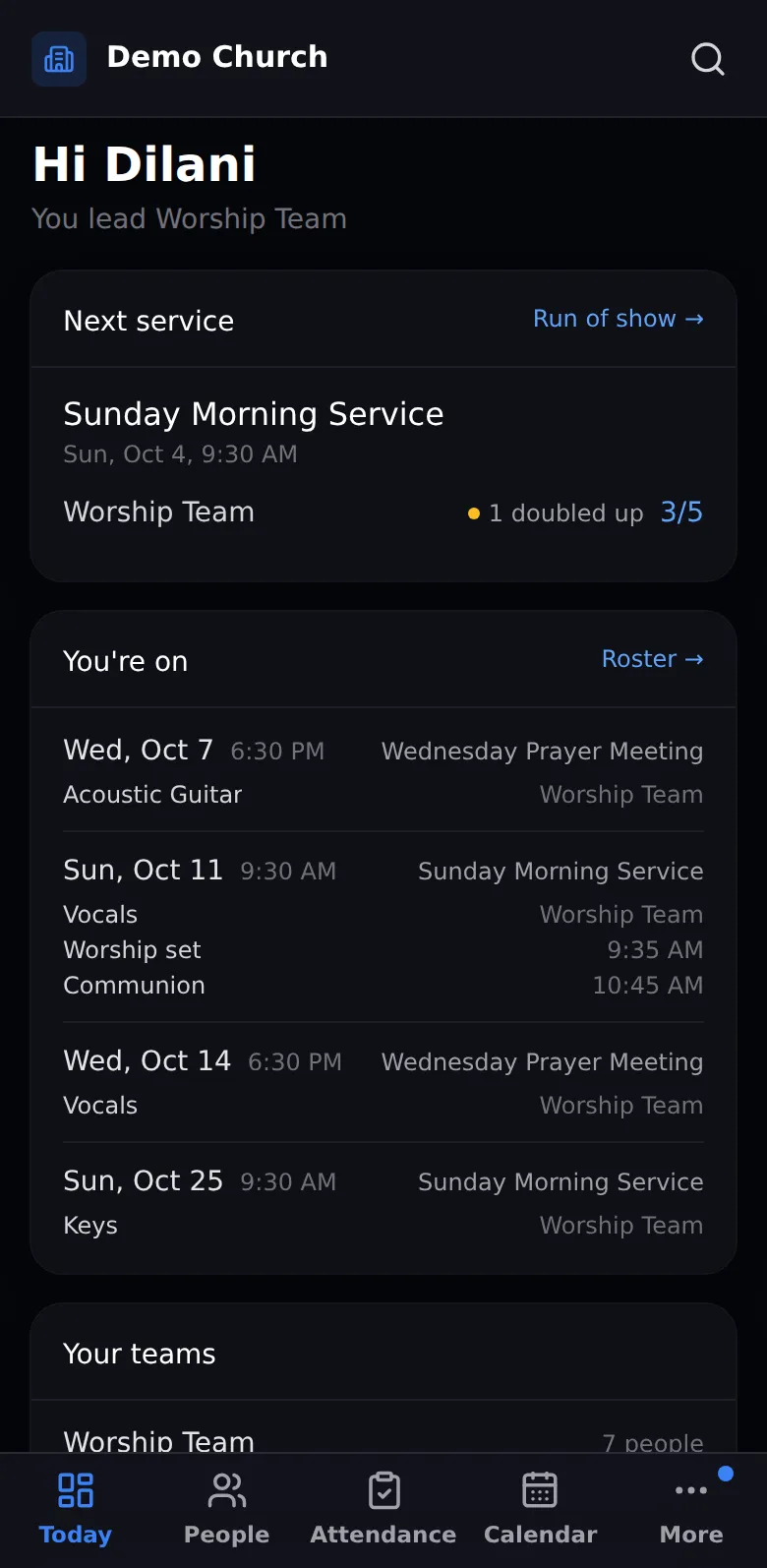
Today, for leaders on a phone
Today, for leaders
9:41
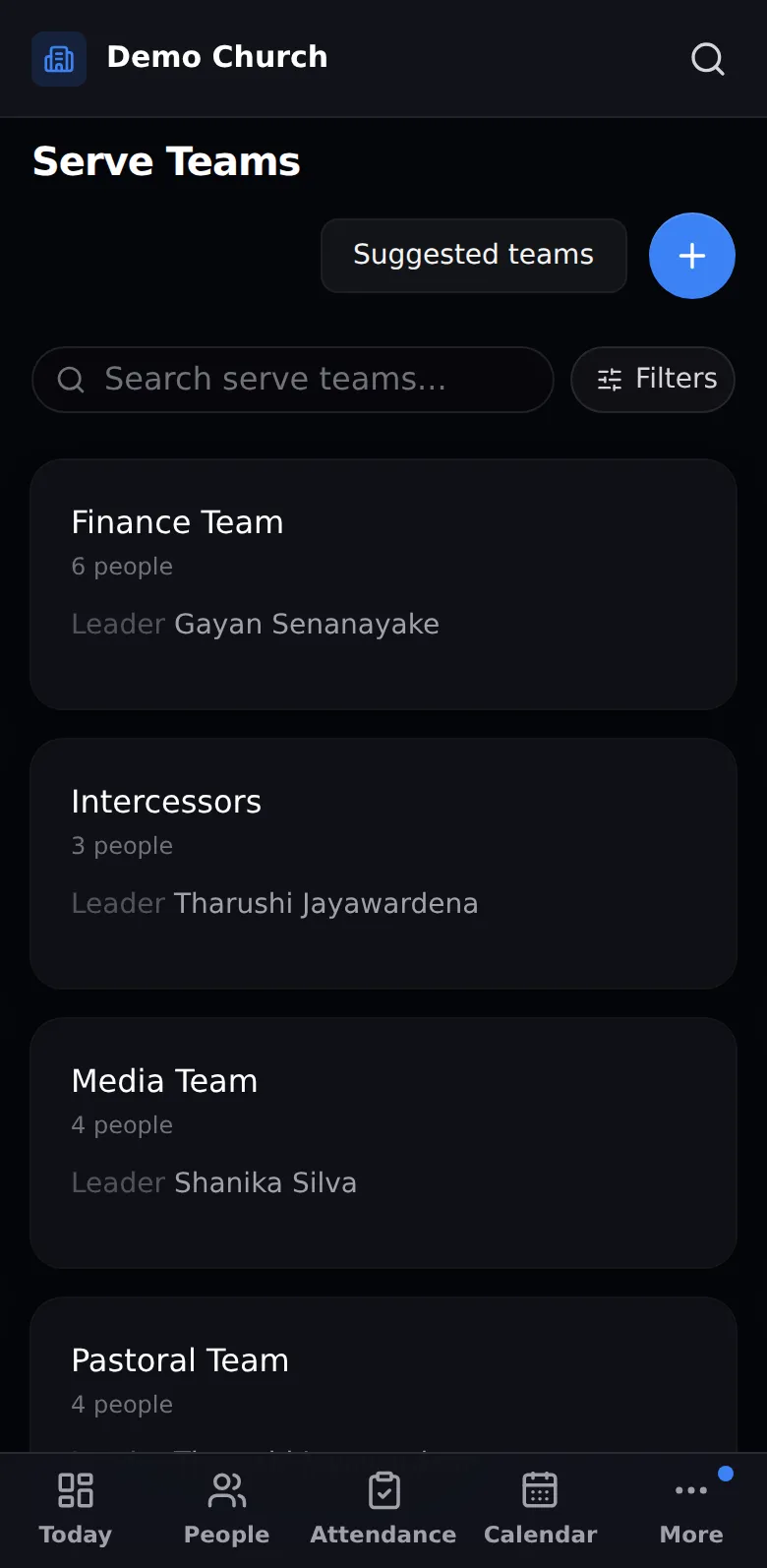
Serve teams on a phone
Serve teams
9:41
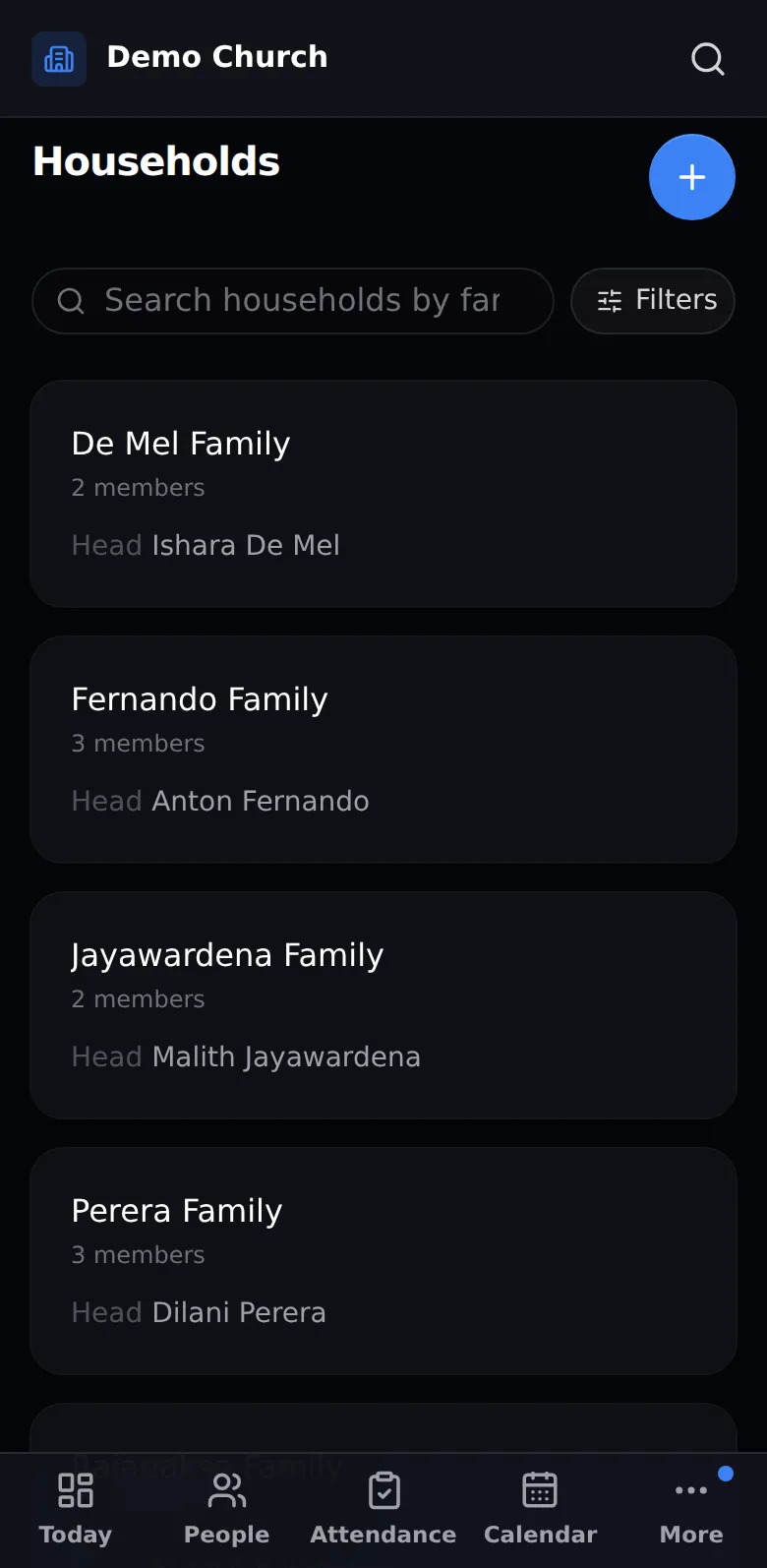
Households on a phone
Households
9:41
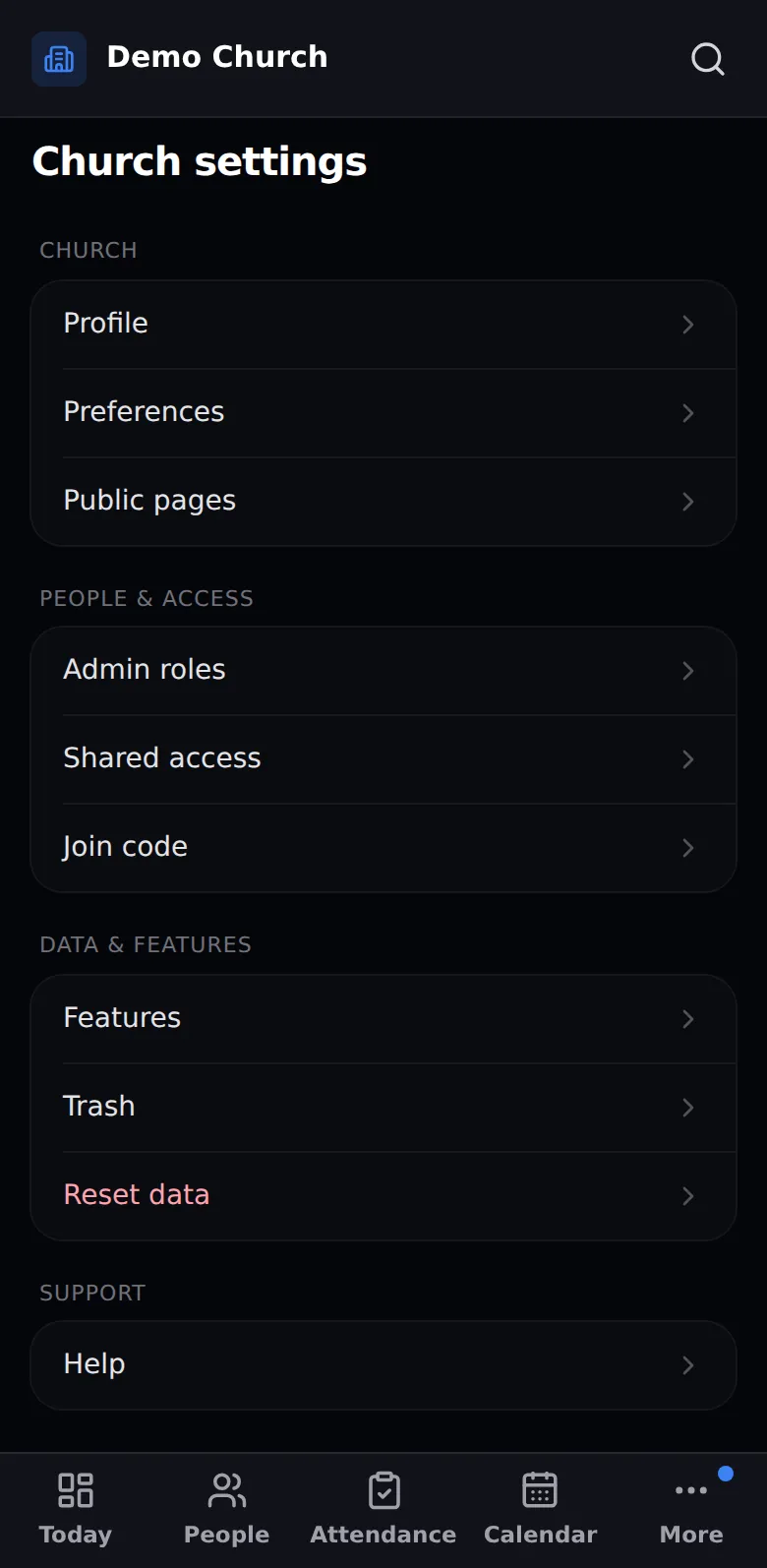
Settings on a phone
Settings
9:41
Today
9:41
Register
9:41
Roster
9:41
People
9:41
Profile
9:41
Calendar
9:41
Order of service
9:41
Evaluation
9:41
Insights
9:41
Finance
9:41
Prayer requests
9:41
Testimonies
9:41
Today, for leaders
9:41
Serve teams
9:41
Households
9:41
Settings

Know your people. Notice who's drifting.

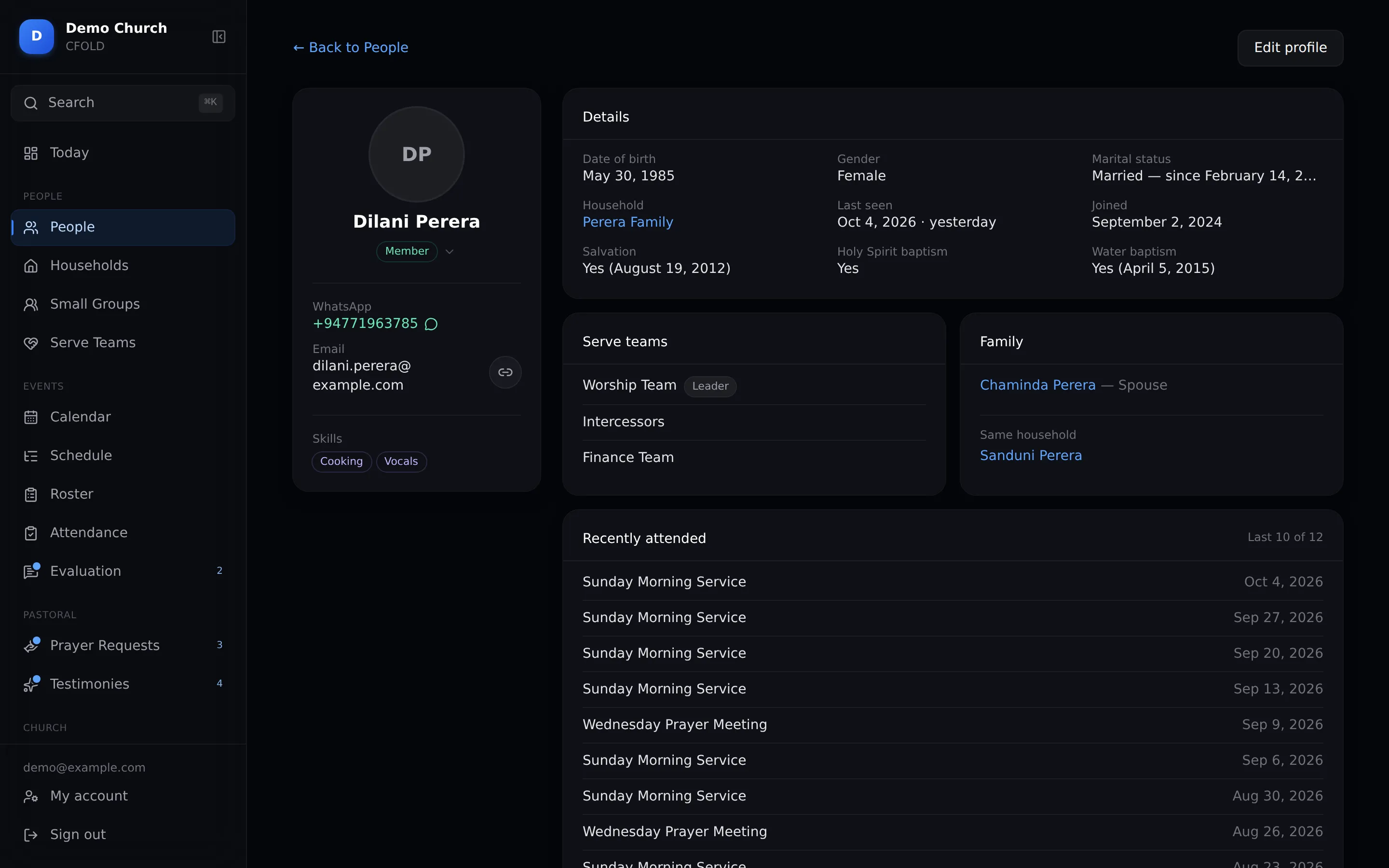
  • Profiles and families with photos, milestones, their groups and the last ten services they came to.
  • Not seen in 3 months? CFOLD lists them, with a WhatsApp button beside each name.
  • Birthdays this week on the Today page, so nobody is missed.
  • Find anyone in a second. One search box, from any page, for people, groups, events and pages.
  • Small groups check in, weekly or monthly: did we meet, and how many came. One link for every leader.
Person profile

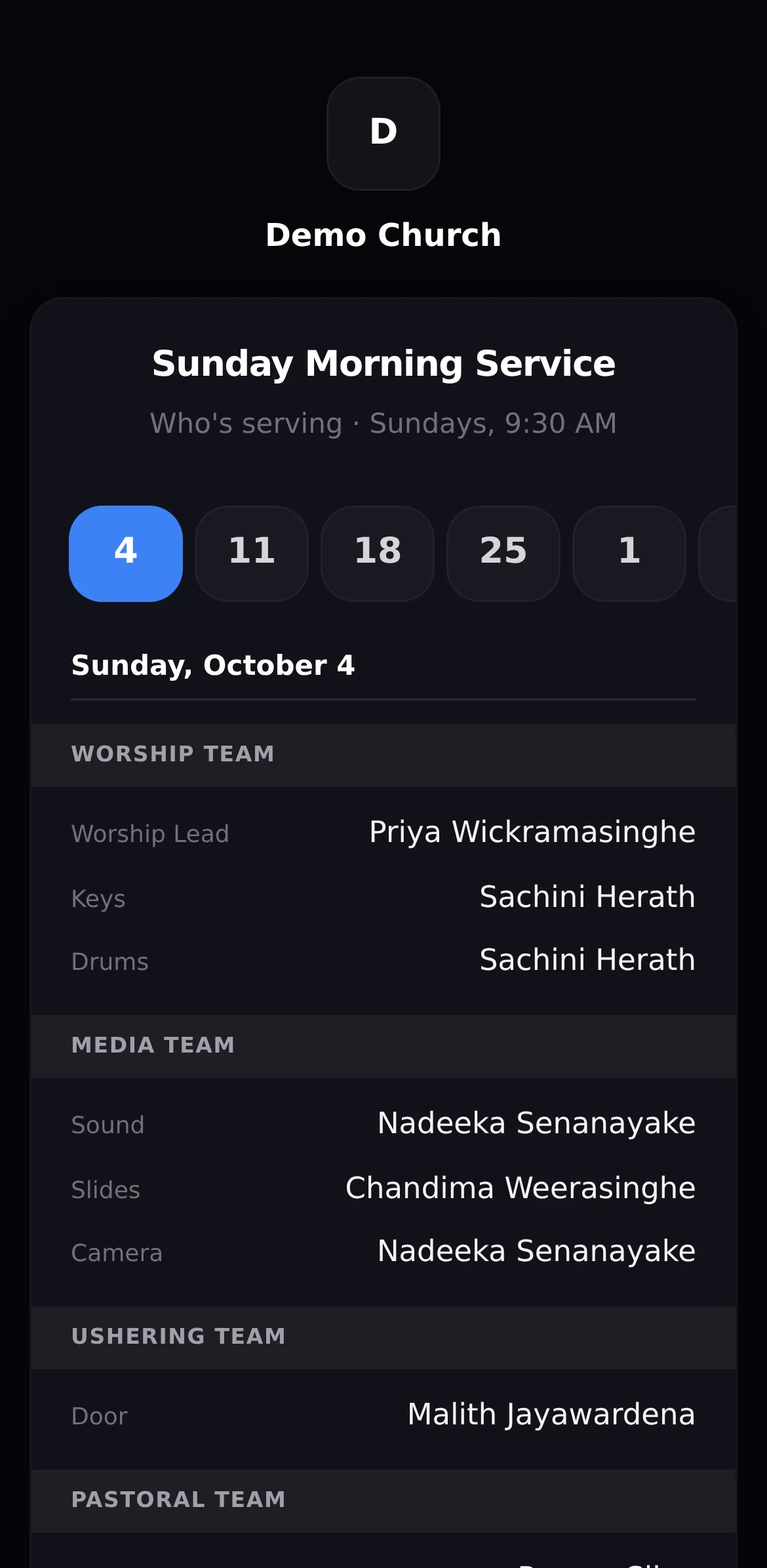
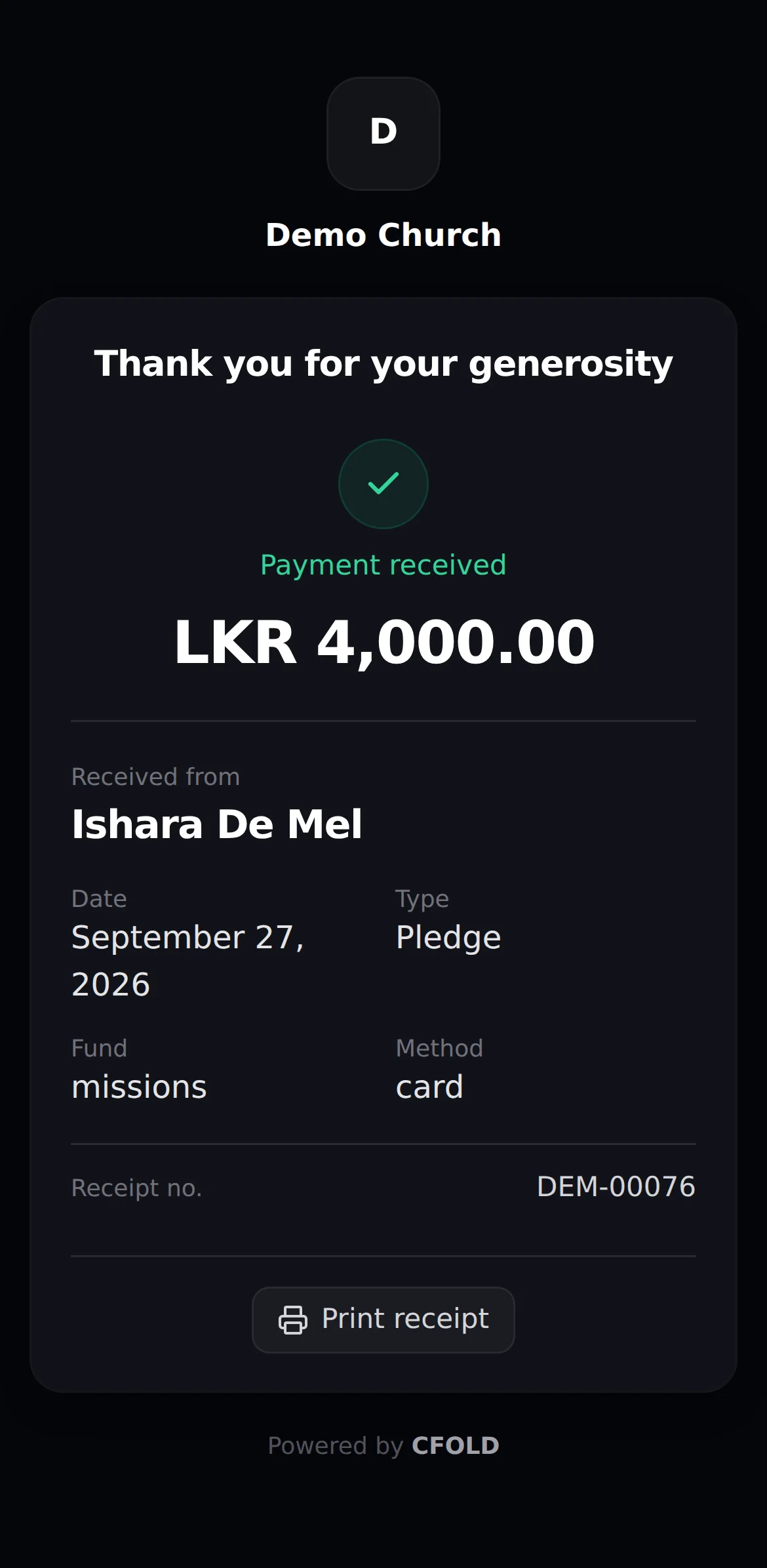
Your congregation needs no login.

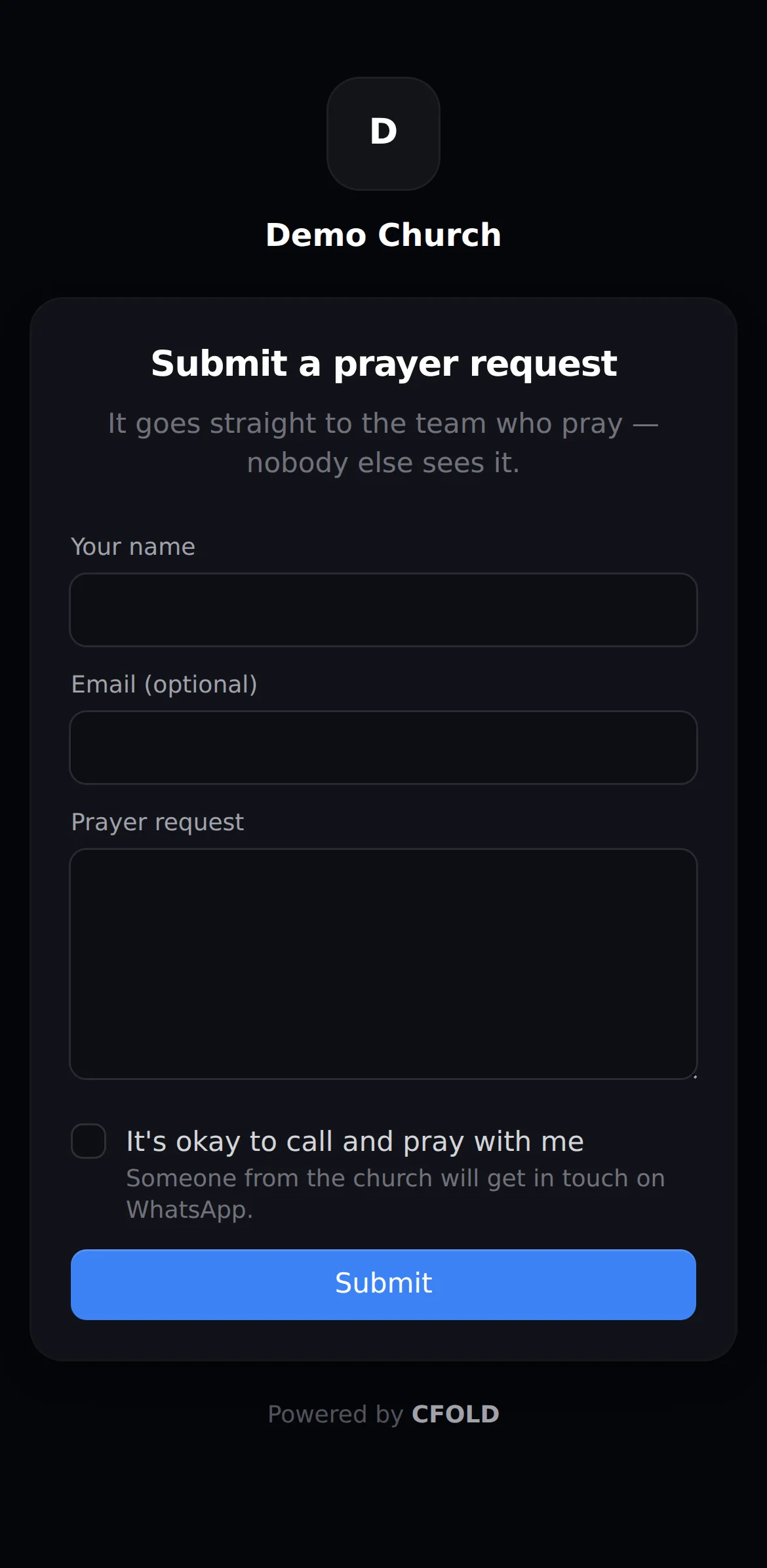
  • A prayer form anyone can fill in from a link.
  • A testimony form, and every story kept with a title and tags like Healing, so you can find it again.
  • The roster as a link volunteers open on their phone.
  • Giving receipts sent by email or WhatsApp.
  • A public calendar for your website. Only what you choose to share.
9:41
Public prayer form

Prayer

9:41
Public roster

Roster

9:41
Giving receipt

Receipt

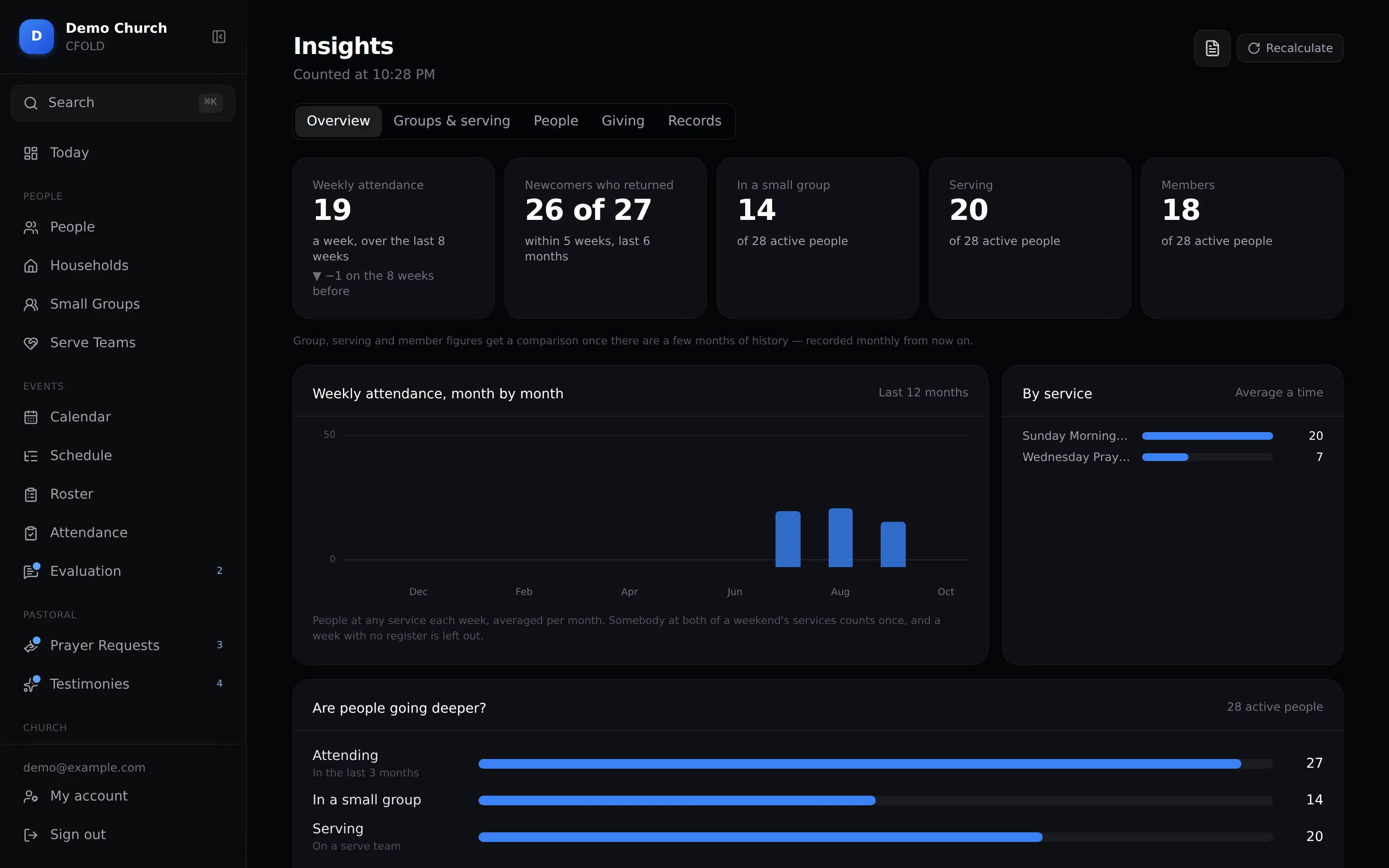
See which way you're heading.

  • Weekly attendance against the same weeks last year, so a quiet August reads as August.
  • Newcomers who came back, and who is in a group, serving or a member. Every number opens onto the names.
  • Who carries the rota, so the same few people aren't on every week.
  • A quarterly report for your board, saved as a PDF. It names no one.
Insights overview

Built for pastoral confidentiality.

Names, addresses, giving and prayer are trusted to you. Everyone sees what their role needs, and no more.

Super Admin

Runs the account

Church settings, roles, and anything that deletes data.

Admin

Runs the records

All people, groups, events and attendance.

Leader

Runs their team

Only the people in the groups they lead.

Named access

Giving and prayer

Opened to the people you name, not to a whole role.

Undo

30-day trash

Deleted by mistake? Undo in one tap, or restore it within 30 days. A stray tap outside a form never throws it away.

Separate

Your church only

Every church's records are kept apart from every other.

See exactly who can do what →

Live by this afternoon.

No migration project and no consultant. Three steps, and a checklist on Today ticks each one off as you go.

  1. 1

    Create your church

    Your name, your time zone and the features you want. It takes five minutes, on a phone or a laptop.

  2. 2

    Bring your list

    Paste your spreadsheet into our template and upload it. Anyone already on file is shown to you before anything is saved.

  3. 3

    Invite your team

    Each admin and leader gets their own login by email, with only the access their role needs.

What churches are saying.

Sample
We used to spend Saturday night on WhatsApp asking who was on sound. Now the roster is done by Wednesday and everyone already knows.
RPPastor nameChurch name · City
Sample
Our greeters took the register on their phones the very first Sunday. No training needed.
AFAdmin nameChurch name · City
Sample
For the first time, I can see who hasn't been with us in a month, and call them.
DSLeader nameChurch name · City

One plan. Everything in it.

∞No per-member feesA church of 60 and a church of 600 pay the same.
↺No contractPay month to month and stop whenever you like. Cancel in the first 14 days for a full refund.
Everything included14 days free
LKR2,990/ month

Billed monthly. Cancel anytime. Outside Sri Lanka, US$10 a month.

Founding churches: LKR 2,500 a month, for life.For our first 10 churches, kept for as long as you stay.
  • Unlimited people
  • Your whole team
  • Rosters & reminders
  • Attendance on any phone
  • Giving & receipts
  • Prayer requests
  • Public calendar & forms
  • Reports & insights
Start your 14-day free trial →

No card needed · 14-day money-back · Refund policy

Good to know.

More answers, and a guide to every feature, in Help.

Is our data safe?

Each church's records are kept separate. Leaders see only the people they lead, and finance and prayer are opened to named people only.

Does it work on phones?

Yes. Attendance, the roster, people, the calendar and more all work on a phone. A few big screens like CSV import are best on a laptop.

Can I bring in my existing spreadsheet?

Yes. Download the template, paste your list in and upload it. Possible duplicates are shown before anything is saved.

We have more than one service. Does that work?

Yes. Each service is its own event with its own roster, register and order of service.

Do volunteers need training or an account?

No. Volunteers get reminder emails and shared links that open without a login. Leaders learn it in minutes.

Get this Sunday sorted.

Set up in an afternoon. Your team will be using it by the weekend.

Start free →
© 2026 CFOLD · A MurFx productPricingHelpTermsPrivacyRefundsContacthello@cfold.org